


Real-time messaging looks simple from the outside. A user types a message, taps send, sees a tick, gets a reply, and moves on. But for founders building a communication product, the real question is not whether a message can appear instantly during a demo. The real question is whether the platform behaves correctly when the signal drops, the app is backgrounded, a user switches devices, or a message is retried after a timeout.
That is where real-time messaging reliability becomes a product decision, not just an engineering detail. Reliable messaging depends on delivery states, offline queues, push notifications, acknowledgements, retries, deduplication, and reconnect sync working together. Transport technology helps, but the platform still needs application-level logic to prevent lost messages, duplicated messages, stale unread counts, and confusing delivery receipts.
Socket.IO’s official documentation, for example, separates message ordering from message arrival: it guarantees event ordering, but default delivery is at-most-once, and stronger delivery behavior requires application-level retries, acknowledgements, persisted events, and client offsets.
Key Takeaways
- Real-time messaging reliability depends on more than fast sockets. It needs delivery states, persistence, retry rules, and sync recovery.
- Sent, delivered, read, failed, and pending states should reflect real system events, not just UI decoration.
- Offline queues protect the conversation when a recipient is unavailable or the sender loses connectivity.
- Push notifications should alert users, but the message record should remain inside the app’s own backend and sync flow.
- Miracuves helps founders move from idea to launch faster with ready-made and white-label messaging solutions built for branding, admin control, and source-code ownership.
Why Real-Time Messaging Reliability Is a Business Trust Layer
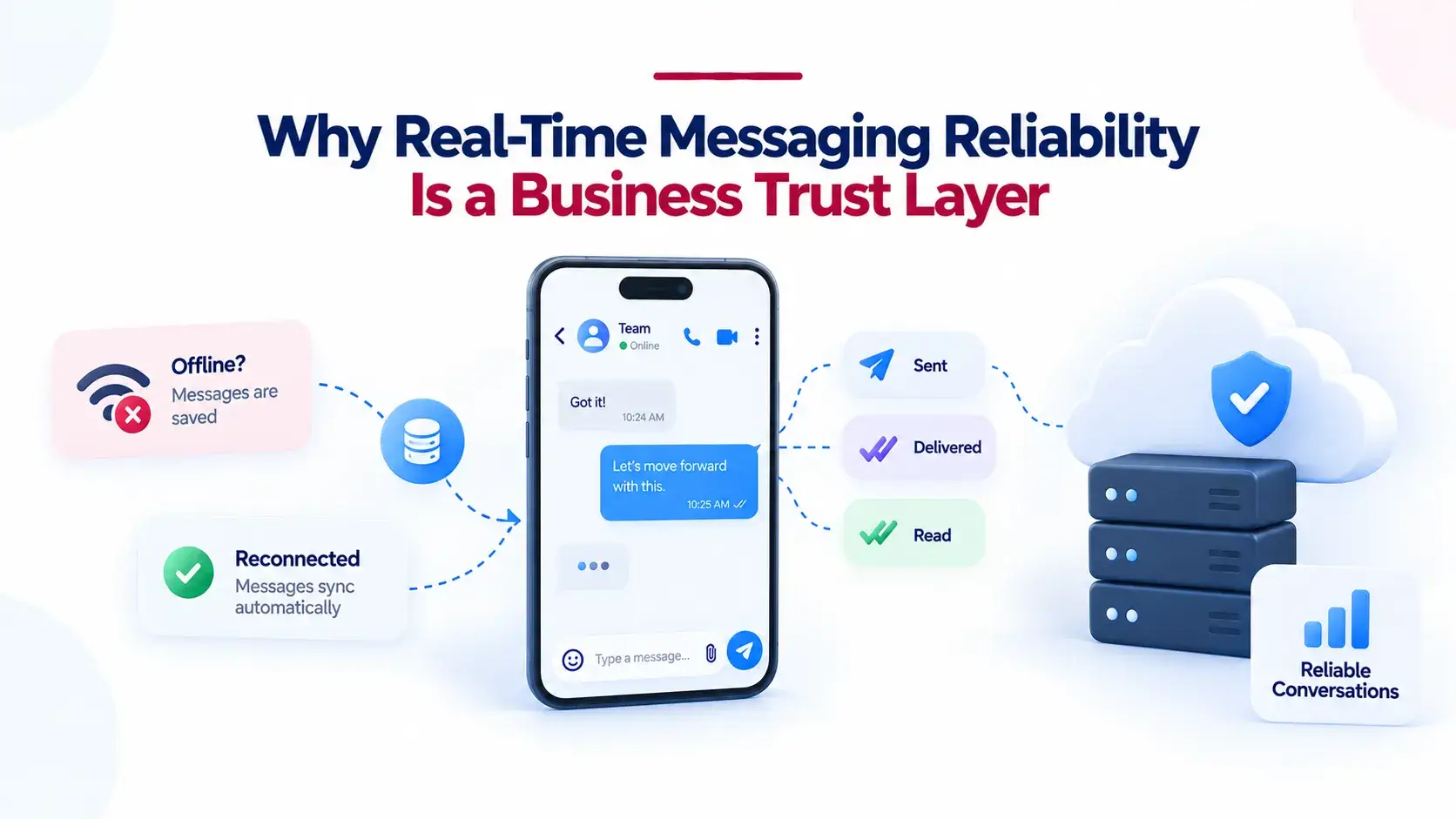
Users do not judge a messaging app only by how fast the first message appears. They judge it by whether the app remembers unsent messages, shows the correct delivery state, catches up after a weak connection, and avoids sending the same message twice. One unreliable chat experience can make a user doubt the whole platform.
For founders, this affects retention, support load, brand trust, and operational confidence. A messaging app used by communities, internal teams, education groups, service providers, or regional networks becomes part of daily behaviour. If people cannot trust the conversation layer, they will return to whatever tool they already know.
This is why a launch-ready communication product should treat reliability as a core product layer. Miracuves’ white-label private messaging solution is built around branded communication, chat, calling, moderation, and admin control, but this blog focuses specifically on the reliability logic founders should understand before choosing any messaging build.
Delivery States Are Product Promises, Not Just Ticks
Delivery states tell users what happened to their message. In a real-time messaging app, those small indicators reduce anxiety. They show whether the app accepted the message, whether the server stored it, whether the recipient’s device received it, and whether the recipient actually opened the conversation.
A reliable delivery state model usually includes:
- Pending: the message is created locally but not yet accepted by the server.
- Sent: the server has accepted and stored the message.
- Delivered: the recipient device or active session has acknowledged receipt.
- Read: the recipient has opened the conversation or message view.
- Failed: the send attempt has exceeded retry rules or needs user action.
The important part is that each state should map to a real event. A message should not show as delivered simply because it left the sender’s phone. It should only move forward when the correct system confirmation comes back. That distinction protects the user experience when networks are unstable.
What Founders Should Ask About Delivery States
Before choosing a messaging app foundation, founders should ask whether delivery states are tracked per user, per device, or per conversation. This matters because a person may use the same account on a phone and browser. If the message is read on one device, the unread count should not stay incorrect on the other.
Delivery states also matter for moderation and support. If users report missing messages, the platform operator needs enough backend visibility to know whether the message was stored, delivered, retried, failed, or never accepted.
The Reliable Message Path: From Tap to Confirmation
A dependable messaging system separates the user interface from the delivery contract. The UI can show the message instantly for responsiveness, but the backend still needs to confirm what actually happened.
Message Reliability Flow
| Stage | What Happens | Why It Matters for Founders |
|---|---|---|
| Local Draft | The message appears in the sender’s app immediately with a pending state. | The user feels speed, even before the server confirms acceptance. |
| Server Acceptance | The backend receives the message, validates it, assigns or confirms the message ID, and stores it. | The app now has a durable record instead of relying on a temporary socket event. |
| Live Delivery | If the recipient is online, the message is pushed through the active real-time connection. | Active users experience instant communication. |
| Offline Queue | If the recipient is offline, the message remains available for later sync. | The app stays trustworthy even when users are unavailable. |
| Push Alert | A notification tells the recipient there is activity to review. | Push brings the user back, but the backend remains the source of truth. |
| Receipt Sync | Delivered and read events flow back to the sender and across the recipient’s devices. | The conversation state remains consistent across app surfaces. |
Offline Queues Keep the Conversation Alive When the Network Fails
Real messaging reliability is tested when the happy path breaks. A sender may lose signal after tapping send. A recipient may be offline for hours. A phone may switch from mobile data to Wi-Fi mid-send. A browser session may close before an acknowledgement returns.
An offline queue gives the platform a safe place to hold work that cannot be completed immediately. There are usually two sides to this:
- Client-side queue: holds outgoing messages until the app can send them successfully.
- Server-side queue or durable inbox: stores messages that recipients have not yet received or synced.
The goal is not to pretend the user is always online. The goal is to design for reality: patchy networks, battery restrictions, backgrounded apps, and users moving between devices.
Why Offline-First Thinking Improves Retention
Offline-first messaging makes the app feel stable. Users can open previous conversations, read cached content, create messages, and trust that the app will sync when connectivity returns. That reliability is especially important for communities, field teams, education groups, membership bodies, and customer-facing service operations where communication is not casual; it is operational.
For founders comparing a custom build with a launch-ready product foundation, offline behavior is one of the first areas worth testing. Do not only test the app on strong Wi-Fi. Test it with airplane mode, weak signal, app backgrounding, browser refreshes, and multi-device login.
Push Notifications Are Alerts, Not the Source of Truth
Push notifications are important because they bring users back when the app is closed or backgrounded. But a push notification should not be treated as the actual message record. It should be treated as a wake-up or alert layer that points the user back to the app, where the authoritative message history can sync from the backend.
This distinction matters because push systems are affected by device state, operating system rules, priority settings, user permissions, and platform-specific delivery behaviour. Firebase Cloud Messaging documentation notes that FCM does not guarantee delivery order and explains that Android can store a limited number of non-collapsible messages before the app may need to perform a full sync from its own server.
Push priority also needs careful handling. Android guidance states that high-priority messages are intended for time-sensitive, user-visible content and may be deprioritized if they do not result in visible notifications.
On iOS, APNs supports collapse identifiers and returns response codes that help developers handle bad requests, inactive device tokens, too many requests, and unavailable service conditions. This is why notification token hygiene, retry handling, and fallback sync are important parts of messaging reliability.
Practical Push Notification Rules for Messaging Apps
- Use push to alert the user, not to replace backend message storage.
- Keep sensitive message handling inside the app’s own sync flow.
- Respect notification permissions and avoid overusing high-priority alerts.
- Use collapse logic for non-critical sync prompts where older alerts become irrelevant.
- Always sync from the server when the app opens, because push delivery alone is not enough.
Retries Make Messaging Resilient, but They Must Be Idempotent
Retries are necessary because mobile networks fail. The sender may not know whether the server accepted a message before the connection dropped. Without retry logic, the app risks message loss. Without duplicate protection, the app risks sending the same message twice.
The practical answer is idempotent retry logic. That means the client generates or stores a stable message identifier before sending. If the same message is retried, the server can recognize it as the same attempt instead of creating a duplicate.
A reliable retry system usually includes:
- A client-generated message ID or idempotency key.
- A retry timeout that waits for server acknowledgement.
- A maximum retry policy to avoid endless loops.
- A failed state when user action is needed.
- Server-side duplicate detection.
- Reconnect sync to confirm the true final state.
Socket.IO’s delivery guidance shows the same principle at the transport level: stronger delivery requires acknowledgement, retries, unique event IDs, persistence, and client-side offsets when reconnecting.
Multi-Device Sync Prevents Confusing Message States
Messaging reliability becomes harder when one user is active on more than one device. A person may receive the same conversation on a phone, a browser, and a tablet. If they read a message on the browser, the phone should not keep showing it as unread. If a message fails on one device but succeeds on another, the account state should still reconcile cleanly.
Multi-device sync needs a shared source of truth. The backend should know which devices are active, which messages were delivered, which conversation position each device last synced, and which read receipts should be reflected across sessions.
This is where real-time communication becomes more than WebSockets. A socket is only a live delivery channel. It is not the complete message history, queue, receipt ledger, or admin observability layer.
Reliability Also Depends on Media, Calls, and Background Work
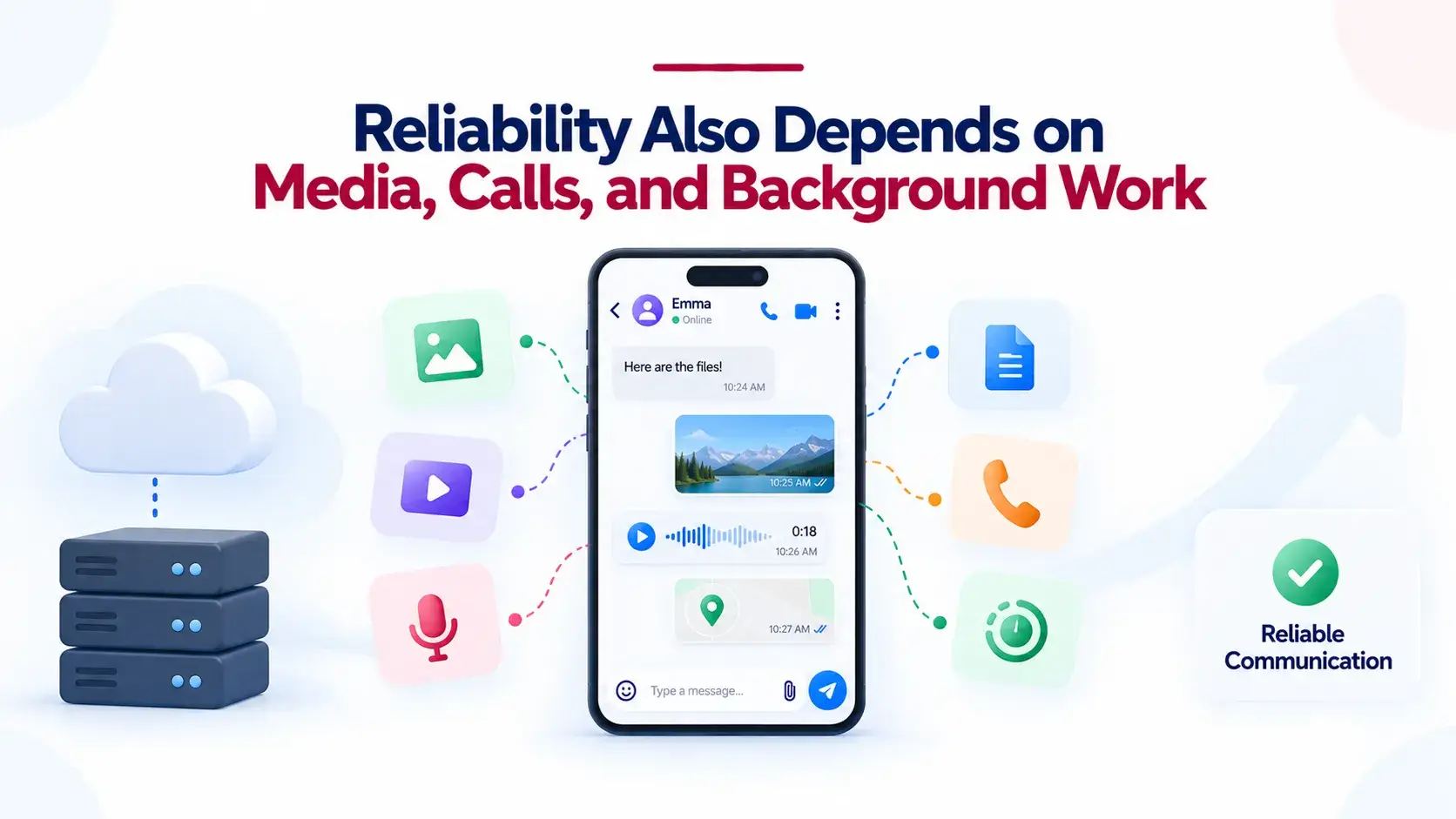
Text messages are only one part of a modern communication app. Users also expect photos, videos, voice notes, documents, location sharing, calls, and stories or status updates. Each format adds a different reliability challenge.
- Images and videos may need upload progress, retry, compression, thumbnail generation, and failure recovery.
- Voice notes need local recording safety so a network drop does not erase the recording.
- Documents need file type checks, upload limits, and secure access control.
- Calls need signalling reliability, missed-call states, and fallback behavior when direct connections fail.
- Stories or temporary content need expiry jobs that run reliably without deleting active content too early.
For founders, the lesson is clear: reliable messaging is not one feature. It is a chain of small product behaviours that decide whether users trust the app during everyday usage.
Founder Decision Signals
Speed
Fast delivery matters, but perceived speed should not override real confirmation. Let the UI feel instant while the backend confirms the true state.
Cost
Reliability built late usually costs more than reliability designed into the product foundation. Offline queues, receipt logic, and retry handling should not be afterthoughts.
Scalability
A messaging app should be ready for more users, devices, groups, media, and notifications without rewriting the core delivery model.
Market Fit
If your users already depend on daily communication, reliability becomes part of the value proposition, not just a technical checklist.
What Founders Should Validate Before Choosing a Messaging Build
Before investing in a messaging app, founders should test the reliability layer directly. A polished chat screen is not enough. The real test is how the platform behaves when delivery gets messy.
Reliability Checklist for Messaging Platforms
| Question | What to Look For | Risk if Missing |
|---|---|---|
| Are delivery states tied to real acknowledgements? | Pending, sent, delivered, read, and failed states should map to actual system events. | Users see misleading ticks and lose trust. |
| Does the app work during weak connectivity? | Local cache, outgoing queue, reconnect sync, and visible retry states. | Messages disappear or users resend manually. |
| Are retries protected against duplicates? | Stable message IDs and server-side deduplication. | The same message may appear twice. |
| Is push separated from message storage? | Push alerts should bring users back; the backend should hold the message source of truth. | Notifications become inconsistent with in-app history. |
| Can the platform sync across devices? | Shared conversation state, read receipts, active sessions, and last synced offsets. | Unread counts and delivery states drift across phone and web. |
| Can operators monitor reliability? | Logs, delivery events, failed queues, notification errors, and admin visibility. | Support teams cannot diagnose user complaints. |
Ready-Made Foundation vs. Building Reliability From Zero
Building a messaging app from zero gives full control, but it also means every reliability layer has to be planned, built, tested, and hardened. That includes authentication, real-time connections, offline behavior, media handling, push notifications, delivery receipts, retries, moderation, admin visibility, and deployment readiness.
A ready-made foundation can reduce that timeline because the common communication layers already exist. For founders who need a branded messaging product faster, Miracuves can help configure a white-label, source-code-owned messaging foundation with admin control, branding, and a 6-day launch path where the ready-made scope fits the business need.
Founders can also explore the broader communication app solutions category if the roadmap extends beyond private messaging into calling, conferencing, automation, or community engagement. For technical infrastructure planning, Miracuves’ cloud engineering support can help align deployment, monitoring, and scaling decisions with real usage patterns.
Common Mistakes That Make Real-Time Messaging Feel Unreliable
Mistakes Founders Should Avoid
Treating WebSockets as the Whole Reliability Strategy
A live socket can move events quickly, but it does not automatically solve durable storage, retries, offline sync, delivery receipts, or multi-device state.
Using Push Notifications as Message Storage
Push should alert users. The app backend should remain responsible for message history, queue state, and authoritative sync.
Skipping Duplicate Protection
Retries are necessary, but every retry needs a stable message ID so the server can recognize duplicate attempts.
Testing Only on Perfect Wi-Fi
Messaging reliability should be tested with weak signal, app backgrounding, device switching, browser refreshes, and reconnect scenarios.
Where This Fits in a Messaging Product Roadmap
Messaging reliability should be planned before growth, not after complaints begin. The first market version should already handle message states, offline sending, reconnect sync, push alerts, and retry logic. Later scaling work can improve queue monitoring, object storage, read replicas, real-time adapters, notification analytics, and deeper observability.
For deeper context on the product layer, read Miracuves’ guide on how messaging apps work across chats, calls, and groups. For the founder-side build decision, the ready-made messaging platform decision guide explains why starting from a prepared foundation can be more practical than rebuilding every common workflow from scratch.
Final Thoughts
The features users notice are simple: messages, ticks, media, calls, and notifications. The layers that make those features dependable are less visible: message IDs, durable storage, receipt logic, offline queues, reconnect sync, push behavior, retry limits, and admin observability.
For founders, the smart decision is not just to ask whether a messaging app has chat. Ask what happens when chat fails halfway through. A strong product foundation should keep conversations understandable, recoverable, and consistent across devices, even when the network is not.
That is what real-time messaging reliability really means: not perfect conditions, but dependable behaviour when conditions are imperfect.
FAQs
What makes real-time messaging reliable?
Real-time messaging becomes reliable when the app combines fast delivery with durable message storage, delivery states, acknowledgements, offline queues, push notifications, retries, deduplication, and reconnect sync. A live connection alone is not enough because users go offline, apps close, and networks fail.
What are delivery states in a messaging app?
Delivery states are the visible status indicators that show what happened to a message. Common states include pending, sent, delivered, read, and failed. For accuracy, each state should be linked to a real system event such as server acceptance, recipient device acknowledgement, or user read activity.
Why do messaging apps need offline queues?
Offline queues protect messages when the sender or recipient is not connected. A client-side queue can hold outgoing messages until the app reconnects, while a server-side queue or durable inbox keeps messages available for recipients who were offline when the message was sent.
Are push notifications enough for reliable chat delivery?
No. Push notifications are useful for alerting users, but they should not replace backend message storage. A reliable app should use push to bring the user back and then sync the actual conversation from the app server.
How do retries prevent message loss?
Retries allow the app to resend a message when the original send attempt does not receive confirmation. To avoid duplicates, retries should use a stable message ID or idempotency key so the server can recognize repeated attempts as the same message.
Why can duplicate messages happen in chat apps?
Duplicate messages can happen when the client retries after a timeout but the server already accepted the first attempt. Without server-side duplicate detection, the retry may be stored as a second message. Stable message IDs help prevent this issue.
How does multi-device sync affect messaging reliability?
Multi-device sync keeps message states consistent across a user’s phone, browser, and other active sessions. If a user reads a message on one device, the other devices should update the unread count and read state instead of showing stale information.
Should founders build messaging reliability from scratch?
Founders can build from scratch when they need a highly custom communication architecture, but they should account for the time and cost of delivery states, offline queues, push handling, retries, media reliability, admin controls, and scaling. A ready-made messaging foundation can reduce launch time when the core workflows already match the business need.
Miracuves is an independent software development company. We are not affiliated with, connected to, sponsored by, or endorsed by any company or product named in this article.
Terms such as “X Clone” are used descriptively. It is how the software industry refers to building a platform with functionality comparable to a known service, and how clients search for it.
The entire design and codebase of our products is built by our own team. Our products contain no code, design, graphics, or content originating from any third-party website or applications.
All third-party names and marks referenced in this article are the property of their respective owners, referenced solely to identify the services discussed.