


Key Takeaways
What You’ll Learn
- LinkedIn is a platform designed for professional networking and career growth.
- Users create profiles that act as digital resumes with experience, skills, and achievements.
- The platform works by building connections between professionals.
- Features like jobs, messaging, and content sharing help users engage and grow.
- Network effects increase value as more users and companies join.
Stats That Matter
- LinkedIn has over 1 billion users worldwide.
- It connects professionals across 200+ countries and regions.
- Profiles, connections, and job listings form the core platform structure.
- Users can connect, message, and share content within the network.
- Companies and recruiters use LinkedIn to find talent and build brand presence.
Real Insights
- LinkedIn focuses on professional identity rather than casual social interaction.
- Connections and interactions drive visibility and opportunities.
- A strong profile and active engagement improve career opportunities.
- The platform combines networking, hiring, and content into one ecosystem.
- Success on LinkedIn depends on consistency, relevance, and meaningful interactions.
Let’s be honest—most of us downloaded LinkedIn thinking it was just a digital résumé with a sprinkle of polite networking. But oh, how the tables have turned! In today’s content-crazy world, LinkedIn’s become the playground where founders flaunt wins, creators drop knowledge bombs, and startups land dream clients without spending a dime on ads.
If you’re a business owner or digital creator, chances are you’ve already been stalked, followed, or pitched on LinkedIn this week. That’s because it’s no longer just for job seekers — it’s a content engine, a lead gen powerhouse, and a brand builder wrapped into one slick mobile app. With over 1 billion members globally and counting, this app means business — literally.
Thinking about building your own LinkedIn-style professional networking platform? Whether you want a niche community or a full-on LinkedIn clone, Miracuves has your back — with high-performance clone app development that doesn’t cut corners.
What is the LinkedIn App?
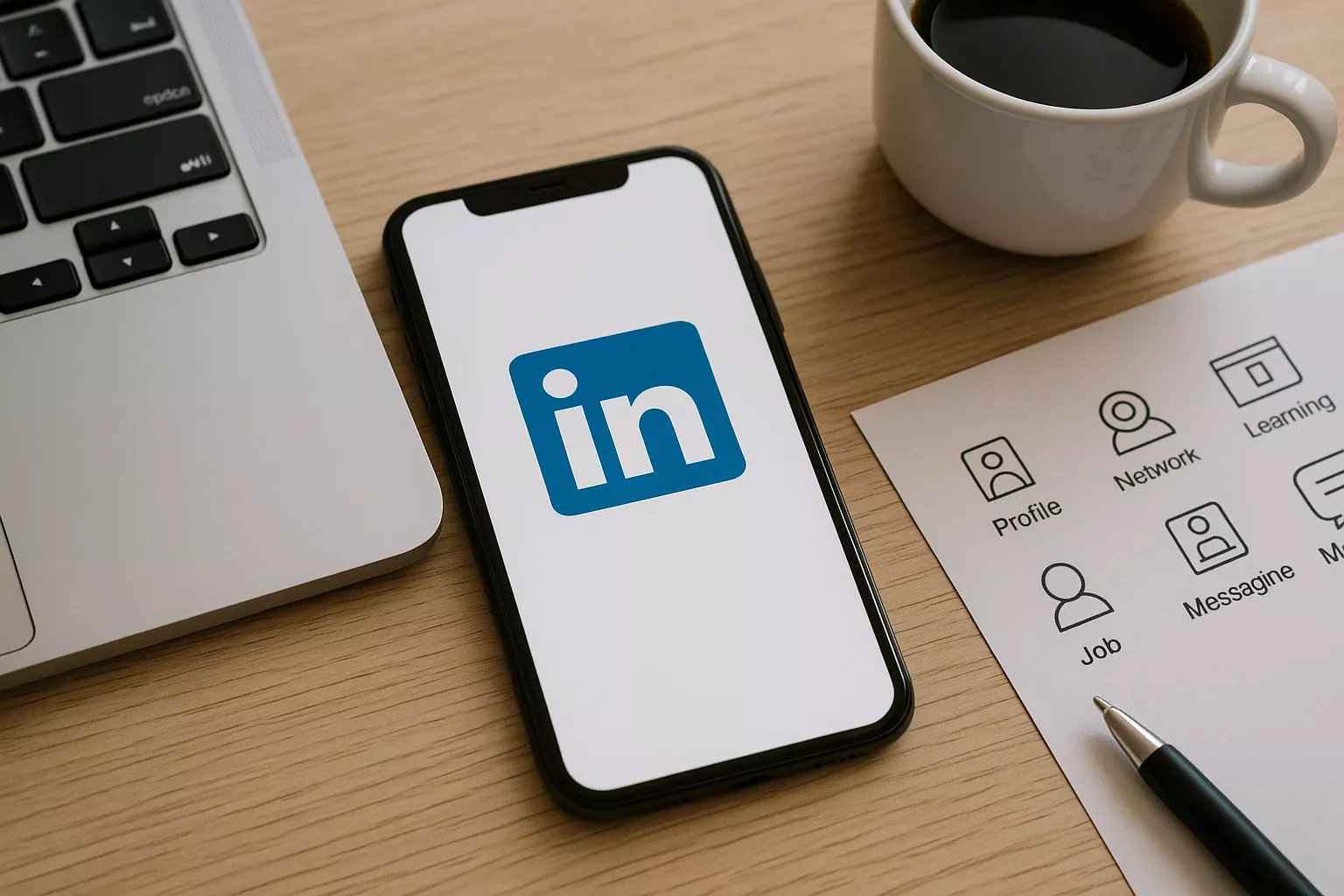
At its core, LinkedIn is a professional networking platform that lives on smartphones (via iOS/Android) and desktops. It connects people through digital resumes, industry updates, job posts, company profiles, and direct messages — all curated to help users grow professionally and socially.
But here’s the twist: LinkedIn is also a publishing platform, video hub, sales CRM, live-streaming app, and event management tool rolled into one. It’s part résumé, part content feed, part job board — and all hustle.

How Does the LinkedIn App Actually Work?
1. Sign-Up and Profile Building
You sign up using an email or phone number, then build a profile with your:
- Work experience
- Education
- Certifications
- Skills (think: SEO, UX, Python)
- Recommendations from peers
It’s like building your own personal landing page that ranks on Google.
2. The Feed: Posts, Articles & Engagement
LinkedIn’s feed is algorithm-driven, meaning what you see depends on who you follow and what you engage with. Users can post:
- Text updates (microblog style)
- Articles (long-form)
- Carousels and images
- Videos
- Polls
3. Networking and Connections
Forget friend requests — here, it’s all about “connections.” First-degree means direct. Second-degree? Friend of a friend.
You can:
- Follow industry leaders
- Message prospects
- Join niche groups (hello, startup founders group!)
4. Jobs, Hiring, and Freelancing
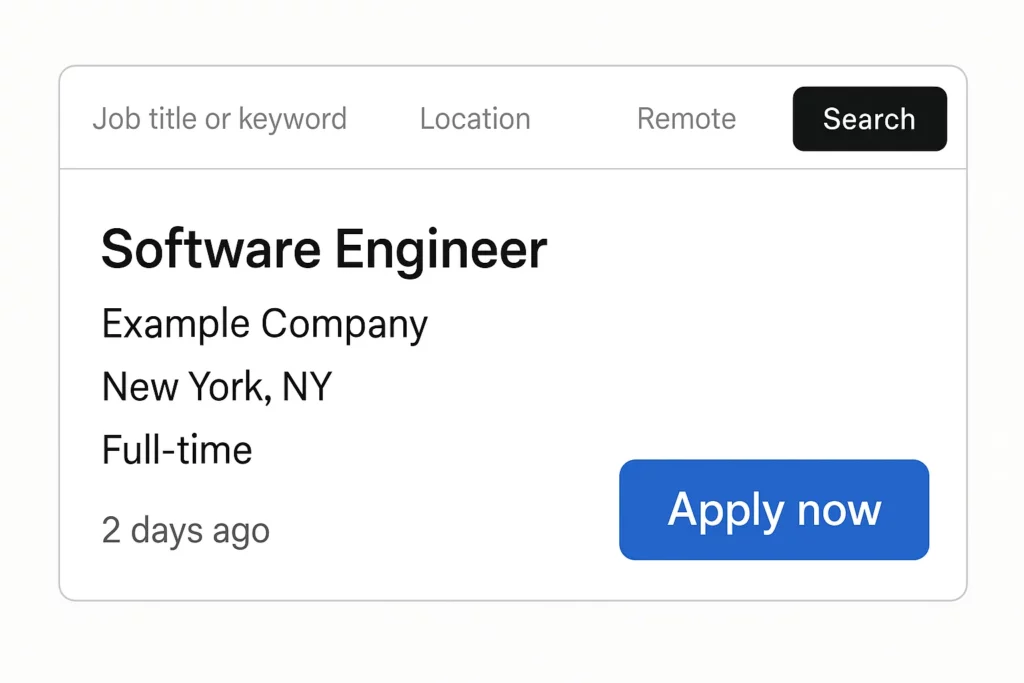
LinkedIn is also a full-blown job board. Recruiters post listings, users apply in one tap, and the algorithm even recommends roles based on your profile.
Recently, freelance gigs and contract roles have also taken off. Hello, gig economy!
5. Sales and Lead Generation Tools
Here’s where LinkedIn earns its keep. With LinkedIn Sales Navigator and InMail credits, businesses can:
- Find leads by job title, industry, location
- Slide into inboxes (ethically, of course)
- Track engagement and conversions
It’s not spammy—it’s smart outreach, especially for B2B startups.
Related hypernym: CRM systems (LinkedIn = lightweight CRM with personality)
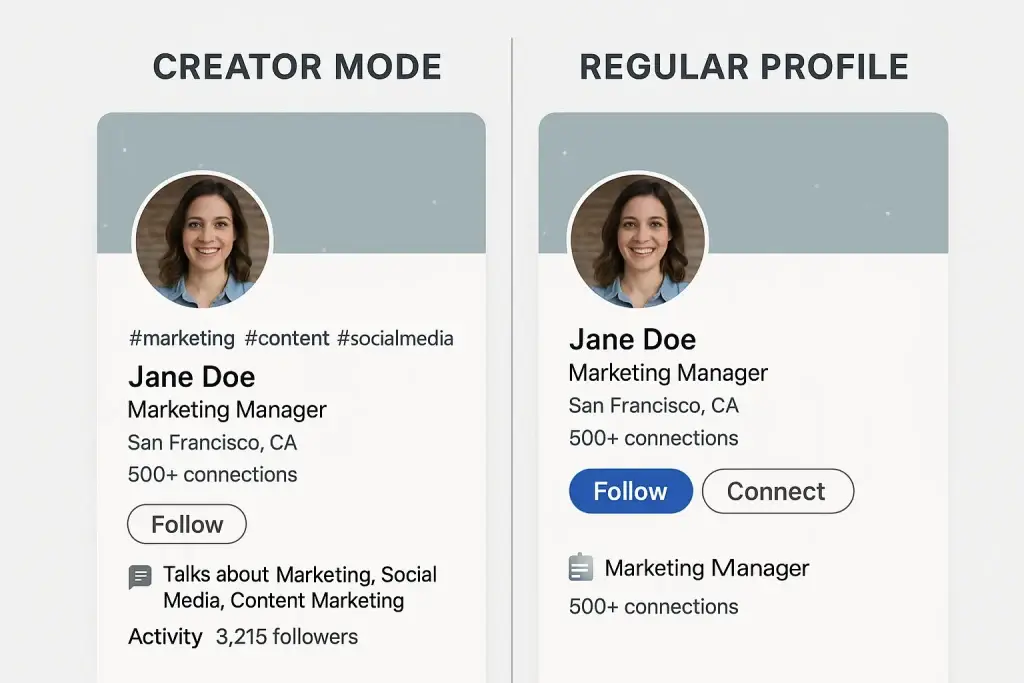
6. Creator Mode, Newsletters, and Lives
In recent years, LinkedIn has amped up its tools for creators:
- Creator Mode: Showcases your top content
- Newsletters: Direct email distribution to your network
- LinkedIn Live: Real-time video streaming
It’s like being a YouTuber, blogger, and Twitter personality — on one professional app.
7. Company Pages and Product Showcases
Startups and brands can create company pages where they:
- Share updates
- Recruit talent
- Highlight services and culture
- Launch products
LinkedIn even allows service listings and lead forms.
Explore LinkedIn’s business model and the marketing strategy that turned it into the go-to platform for professionals worldwide.
Why LinkedIn Works for Startups & Digital Founders
Unlike social networks designed for distractions, LinkedIn rewards value-driven storytelling and engagement. Your post about failing a startup pitch? It could go viral. Your behind-the-scenes look at building an app? It might land your next investor.
And here’s the kicker: organic reach is still alive and kicking on LinkedIn, unlike platforms like Facebook or Instagram where you need to “pay to play.”
What Makes LinkedIn Tick? (Core App Features Breakdown)
| Feature | Function | Value for Users |
|---|---|---|
| Profile & Resume | Show credentials | Credibility, trust, visibility |
| Feed & Content | Share updates & build brand | Engagement, virality |
| Messaging/InMail | Connect and pitch | Lead gen, hiring, sales |
| Job Board | Apply and post roles | Career growth, hiring |
| Creator Mode | Boost creator visibility | Authority building, audience growth |
| Groups & Events | Join/host niche discussions | Community, collaboration |
| Company Pages | Represent your brand | Hiring, sales, brand identity |
Global Cost Factors & Pricing Breakdown for a LinkedIn-Like App
The technology stack behind your platform plays a critical role in determining development cost, launch speed, and how efficiently your platform can scale as user activity grows. Some businesses aim for a lean MVP to validate their idea, while others require a more advanced setup to support professional networking, content feeds, messaging systems, job portals, and real-time engagement at scale.
Here is a simple comparison of common global development approaches for a LinkedIn-like professional networking platform:
PHP/Laravel is best for quick and budget-friendly launches, Node.js/Python supports dynamic interactions and scaling, while Go microservices are ideal for large-scale professional networking platforms.
Miracuves LinkedIn-Like App Solution Cost and Tech Stack
Miracuves Pricing for a LinkedIn-Like Professional Networking App developed in PHP/Laravel with Flutter Apps for $3,399 USD (One-Time Price) in just 6 days
Get a fully developed, deployment-ready platform modeled after LinkedIn. Built on a robust PHP/Laravel foundation, this complete package includes everything you need to launch and scale:
- Core Workflows: User profiles, professional networking, connections, posts, job listings, and activity feeds.
- Built-in Engagement: Messaging system, notifications, endorsements, and content sharing features.
- Management Hub: Advanced user management, recruiter tools, moderation controls, and a centralized admin dashboard.
- Launch-Ready: Fully prepared for your branding, customization, and immediate market launch.
What Makes It Affordable to Develop?
Professional networking platforms like LinkedIn require structured data handling, scalable user interactions, and reliable backend systems. However, compared to real-time-heavy platforms, they can be efficiently built using stable frameworks like PHP/Laravel, reducing overall development complexity and cost.
We took a smarter, more practical approach:
- You Aren’t Paying for Ground-Up Development: Our professional networking engine is already developed, tested on real-world use cases, and ready to deploy. You avoid high development costs and long timelines.
- The Power of PHP / Laravel: Built on a widely trusted and scalable framework, this solution reduces both initial and long-term costs. PHP has a massive global developer ecosystem, making it easier and more affordable to maintain, upgrade, and scale your platform over time. You get a powerful, scalable networking platform without unnecessary cost overhead.
Note: This cost is for the solution, re-branding, deployment, and source code only.
Want to Build a LinkedIn-Style App?
If you’re dreaming of creating a niche professional network—like LinkedIn for gamers, freelancers, med-tech pros, or fintech founders—you don’t need to start from scratch.
Miracuves helps you build custom, scalable LinkedIn-style app clones with:
- Feature-rich user profiles
- Advanced search & filters
- Real-time chat & notifications
- Feed, posts, and content curation
- Admin panels, analytics, and monetization
Learn how LinkedIn earns, what features power its platform, and how you can build your own career-focused social network.
Conclusion
LinkedIn has transformed from a stiff résumé hub into a vibrant digital playground for professionals, founders, and creators alike. Whether you’re here to connect, create, or convert leads — it’s the go-to platform for career-driven minds.
At Miracuves, we help innovators launch high-performance app clones that are fast, scalable, and monetization-ready. Ready to turn your idea into reality? Let’s build together.
FAQs
Is LinkedIn free to use?
Yes, the core features are free. But premium tiers unlock advanced search, messaging, and analytics tools.
Can I find jobs directly on LinkedIn?
Absolutely! Just use the Jobs tab, apply with your profile, and filter based on role, location, and experience.
What is LinkedIn Creator Mode?
It’s a setting that turns your profile into a content showcase. You get access to features like newsletters, live streaming, and a “Follow” button.
Can businesses advertise on LinkedIn?
Yes — with LinkedIn Ads and sponsored posts. B2B advertisers especially find success due to LinkedIn’s targeting.
Is LinkedIn better than other social media for business?
If you’re targeting professionals, absolutely. It offers higher-quality leads and deeper engagement for B2B and service-based businesses.
Can I build a LinkedIn-like app for a niche audience?
Yes — with the right tech partner (hint: that’s us), you can build a LinkedIn-style app clone tailored to your specific community or industry.