


Key Takeaways
What You’ll Learn
- OneCart clone scripts help launch a multi-retail grocery platform faster than building from scratch.
- Strong feature sets should support customers, stores, delivery flow, and admin workflows together.
- Pricing differences usually depend on product depth, white-label flexibility, and platform readiness.
- White-label control matters when branding, ownership, and grocery-flow customization are important.
- The right script choice depends on usability, scalability, and long-term platform goals.
Stats That Matter
- The solution sits under the Grocery Delivery category.
- It is framed as a multi-retail grocery app comparison and part of Miracuves’ Ready to Deploy readymade solutions.
Real Insights
- Prebuilt grocery scripts work best when speed-to-market matters more than rebuilding common workflows.
- Strong platforms combine customer convenience, store coordination, and delivery efficiency.
- A clone script is useful only if it supports real customization and practical scaling.
- Admin visibility and operational structure matter as much as the customer-facing experience.
- The smart choice comes from usable value, not feature overload.
Remember when grocery shopping meant scribbling a list on the back of an envelope, pushing a squeaky cart through crowded aisles, and then standing in line forever? Yeah, we’ve moved on. Today, your customers expect to tap, scroll, and have that oat milk and shampoo delivered in under an hour. And platforms like OneCart made that a reality—bringing multiple retailers under one umbrella for seamless, multi-store grocery delivery.
For founders and startup builders eyeing the online grocery space, the OneCart model hits the sweet spot. It combines convenience, efficiency, and local commerce all in one app. The real magic, though? You don’t have to build it all from scratch. Thanks to advanced clone script, launching your own OneCart Clone Script in 2026 is easier, faster, and more affordable than ever.
Let’s break down the top OneCart clone script in the market right now—so you can pick the best one, launch confidently, and start delivering value (and veggies) today.
Why the OneCart Model Works in 2026
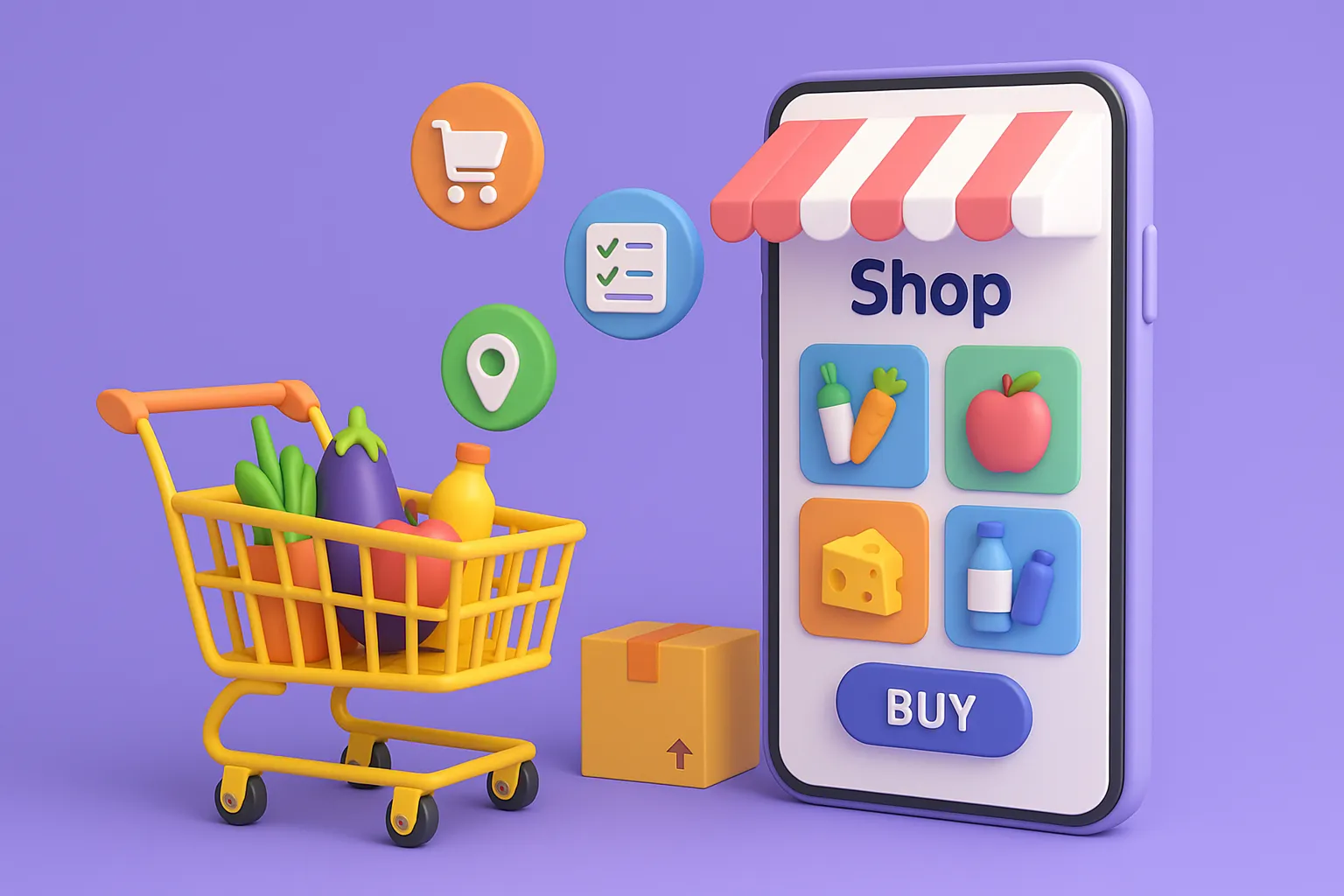
OneCart didn’t try to reinvent delivery—it just made it smarter. The app connects users with multiple retail partners—think supermarkets, pharmacies, and specialty stores—so customers can shop across brands in one cart, one checkout, and one delivery.
Here’s
- Multi-retailer integration: Multiple vendors in one basket.
- Smart product search: By category, brand, or store.
- Unified checkout: Pay once, receive grouped orders.
- Real-time inventory sync: Avoids “out of stock” surprises.
- Efficient logistics: Batches delivery routes from multiple sources.
For 2026, this model aligns with urban convenience, quick commerce, and the “everything app” consumer mindset.
Read More : OneCart Marketing Strategy | How to Win Customers with Smart Checkout
Best OneCart Clone Script to Launch With in 2026
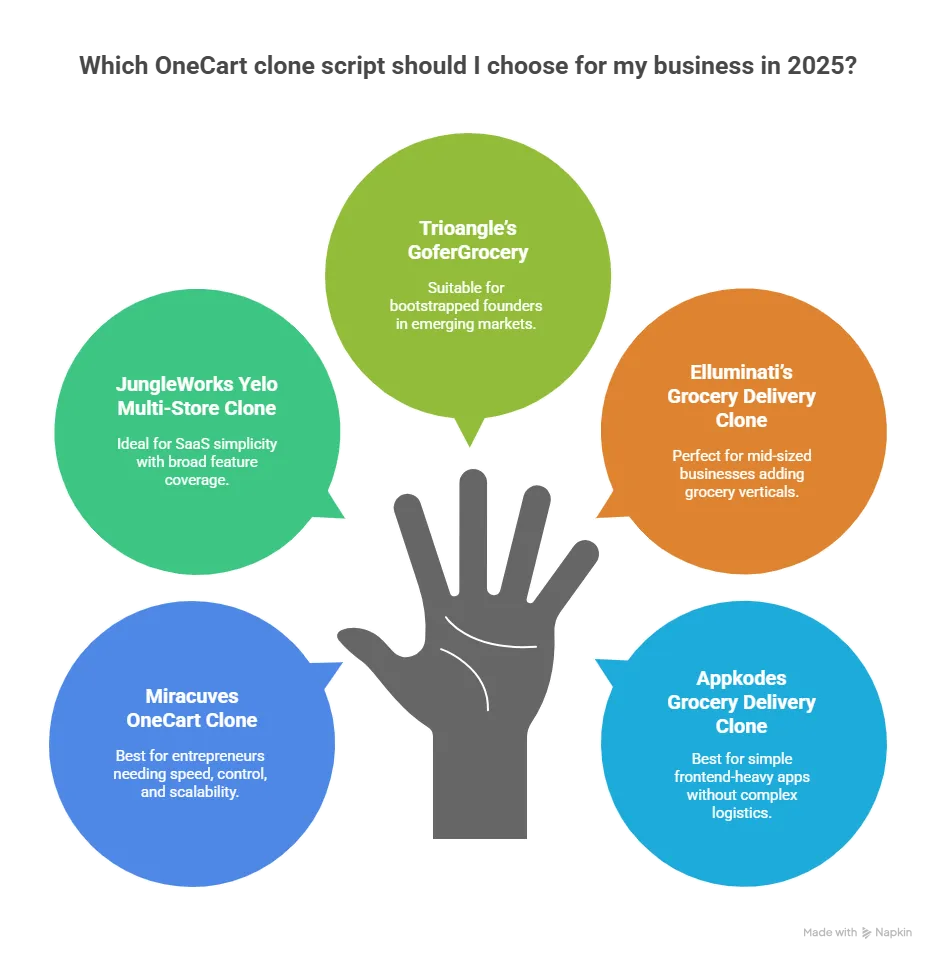
1. Miracuves OneCart Clone
Best for: Entrepreneurs who want speed, control, and clean scalability.
Core Features:
- Multi-store cart aggregation
- Separate portals for vendors, admins, and delivery staff
- Delivery time slot selection & tracking
- Advanced search filters: store, brand, product
- Custom commission setup per store or product category
Customization: Full source code access. White-label option ready.
Why choose it: Built for serious scale and smart user journeys, especially across cities and verticals.
2. JungleWorks Yelo Multi-Store Clone
Best for: Agencies or founders needing SaaS-like simplicity with broad feature coverage.
Core Features:
- Multiple merchant onboarding
- In-app chat & push notifications
- Payment gateway integration (Stripe, Razorpay, etc.)
- Real-time delivery agent location
- Repeat order and wishlist options
Customization: Template-based with optional APIs.
Watch-out: SaaS model means recurring costs and limited backend control.
3. Trioangle’s GoferGrocery (OneCart Clone Variant)
Best for: Bootstrapped founders launching in emerging markets.
Core Features:
- Dual app: Buyer & delivery agent
- Basic inventory sync
- Order scheduling and delayed delivery
- Commission management and payout system
Customization: Code access available. Modularity is decent for MVPs.
Trade-off: UX is clean but less sophisticated compared to higher-end platforms.
4. Elluminati’s Multi-Store Grocery Delivery Clone
Best for: Mid-sized delivery businesses adding grocery verticals.
Core Features:
- Real-time analytics & performance dashboards
- QR-based order pickup for store staff
- Location-based sorting for inventory
- Integrated wallet and cashback modules
Customization: Good. Includes modular coding with premium support.
Bonus: Offers route optimization logic for clustered deliveries.
5. Appkodes Grocery Delivery Clone
Best for: Those looking for simple frontend-heavy apps without complex logistics.
Core Features:
- Store-specific landing pages
- Deals & banner control
- Delivery time slot setup
- Email/SMS alerts
Customization: Good for basic theming. Limited workflow changes unless custom-built.
Drawback: Not built for deep inventory control or massive multi-store logic.
Read More : Onecart Features Breakdown for Startup Founders
Global Cost Factors & Pricing Breakdown
OneCart-Like Grocery Delivery Platform Development — Market Price
These values reflect global development cost estimates. Final pricing varies based on feature scope, team location, and platform complexity.
These amounts reflect the broader market cost of building a OneCart clone script based on the selected backend architecture, grocery ordering workflow complexity, real-time operational needs, and long-term scalability goals.
Miracuves Onecart-Like App Solution Cost and Tech Stack
Miracuves Pricing for a OneCart-Like App developed in PHP/Laravel with Flutter Apps for $2,199 USD (One-Time Price) in just 6 days
Get a fully developed, deployment-ready platform modeled after OneCart. Built on a rock-solid PHP/Laravel foundation, this complete package includes everything you need to launch and scale:
- Core Workflows: Grocery discovery, product browsing, cart management, order scheduling, and end-to-end grocery delivery management.
- Built-in Finance: In-app wallet logic, order pricing operations, and payout setups.
- Management Hub: Comprehensive store and delivery partner management and a centralized admin backend.
- Launch-Ready: Fully prepped for your custom branding, configuration, and immediate market entry.
Why Miracuves’s OneCart Like App is so affordable?
Most complex grocery delivery platforms force you into expensive architectures like Node.js or Go. Building from scratch with those frameworks requires highly specialized, expensive engineering teams, which drives the cost into the tens or hundreds of thousands of dollars. Miracuves’s own site structure places related products under Delivery → Grocery Delivery, which supports keeping this version grocery-focused rather than food delivery or ride-sharing focused.
We took a smarter, more practical approach:
- You Aren’t Paying for Ground-Up Development: Our grocery delivery platform engine is already developed, battle-tested, and ready to deploy. You skip the inflated costs and months of waiting associated with building from scratch.
- The Power of PHP / Laravel: We built this on one of the most reliable, globally adopted frameworks in the world. Not only does this keep our upfront costs down, but it also protects your future budget. PHP has a massive global talent pool, making it incredibly easy and cost-effective for you to find developers for future scaling or customizations.
You get an enterprise-capable, heavy-duty foundation without the inflated Silicon Valley price tag.
Note: This cost is for the solution, re-branding, deployment and source code only.
How to Pick the Right OneCart Clone Script
With grocery tech, the devil’s in the detail. Here’s what to consider:
1. Does it support real-time inventory?
Grocery delivery depends on item-level syncing. If one vendor goes out of stock, your platform must update immediately—or face customer complaints.
2. Is the checkout truly unified?
Users don’t want to pay three separate times for one cart. Check how orders from multiple stores are aggregated.
3. Can it scale city-wide?
Each city or area should have its own vendor pool, logistics rule, and pricing matrix. Confirm your script allows that flexibility.
4. What’s the vendor onboarding like?
Smooth onboarding means faster scaling. Script with merchant self-registration and KYC workflows save weeks of manual effort.
5. How intuitive is the UI?
Nobody wants to “learn” how to order groceries. Your platform should be instantly familiar—like flicking through Instagram, but for carrots and detergent.
Read More : Reasons startup choose our OneCart clone over custom development
Conclusion:
Online grocery is no longer a luxury—it’s a lifestyle. The modern shopper expects real-time selection, grouped checkout, fast delivery, and complete convenience. The OneCart model caters to exactly that—and if you’re stepping into this space, you need a clone script that doesn’t just match expectations, but exceeds them.
Whether you’re going hyperlocal, building for expats, launching across districts, or creating a marketplace for organic vendors—your journey starts with the right foundation. And in 2026, that foundation is a powerful, flexible OneCart clone script.
At Miracuves, we help innovators launch high-performance app clones that are fast, scalable, and monetization-ready. Ready to turn your idea into reality? Let’s build together.
FAQs
What’s the difference between a grocery app and a OneCart-style platform?
A typical grocery app connects you to one store. OneCart clones let users order from multiple retailers in a single transaction.
Do I need separate apps for customers and vendors?
Yes. A good clone script includes customer, vendor, admin, and delivery panels for smooth operations.
Can I integrate third-party delivery partners?
Absolutely. Many scripts support APIs to connect with logistics partners like Lalamove, Dunzo, or in-house fleets.
How do I monetize a OneCart clone?
Commission on sales, delivery fees, subscription for premium users, ad placements for featured stores—you’ve got a full stack of options.
Is it possible to offer multiple languages and currencies?
Yes, most advanced scripts like Miracuves offer multi-language and multi-currency support out of the box.
How quickly can I go live?
With the right clone script, basic branding, and deployment help, your app can go live in 6 Days.
Related Articles