


Key Takeaways
What You’ll Learn
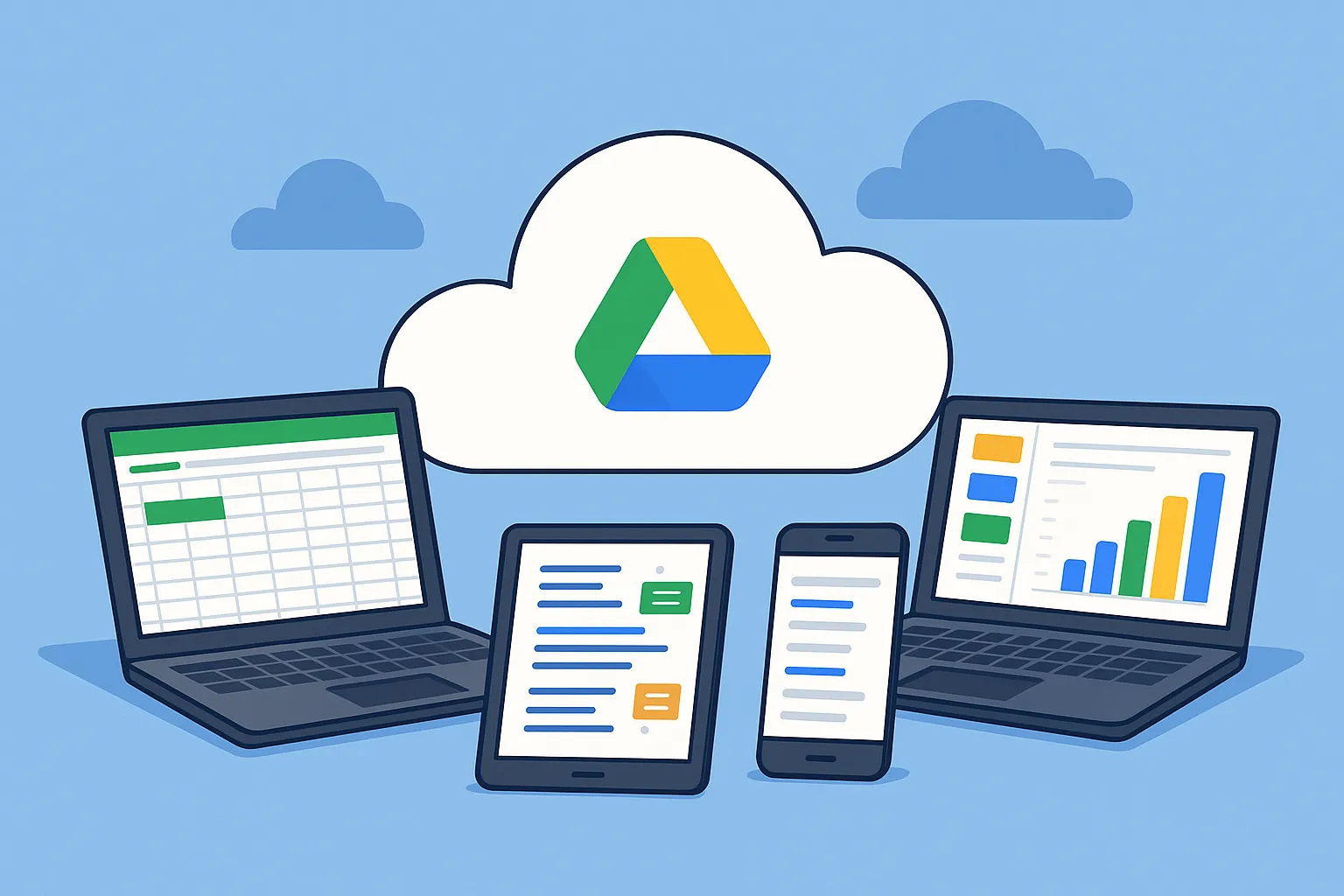
- Google Drive is a cloud storage platform that allows users to store, access, and manage files from anywhere.
- Users can upload and share files easily with secure access controls and permissions.
- Real-time collaboration enables teams to work together on documents, sheets, and presentations.
- Integration with Google Workspace enhances productivity across multiple tools.
- Cloud-based storage ensures data backup, scalability, and easy file organization.
Stats That Matter
- Google Drive has over 1 billion active users worldwide.
- Cloud storage usage continues to grow with the global market expected to exceed $200 billion by 2026.
- Collaboration tools like Docs and Sheets are widely used for remote work and team productivity.
- File sharing and syncing are core features driving daily user engagement.
- Cloud platforms are becoming a critical part of modern digital workflows.
Real Insights
- Ease of access across devices is key to user adoption and retention.
- Strong platforms focus on security, collaboration, and storage efficiency together.
- Real-time editing and sharing build productivity and user trust.
- Seamless integrations improve workflow and reduce operational friction.
- Growth comes from reliability, scalability, and user-friendly design.
For all the shiny new productivity tools out there, Google Drive remains the spine of modern collaboration. Why? Because it’s frictionless. It’s cross-device. And it’s free—at least until your storage groans under the weight of 40 versions of your MVP prototype.
But here’s the real kicker: Drive isn’t just a file cabinet. It’s an ecosystem. It integrates with everything from Zoom to Canva to Zapier, letting you orchestrate your hustle like a symphony.
Want to build your own Google Drive-style app for file sharing? Take notes from Drive’s smart design—access control, real-time editing, and user-friendly navigation make all the difference.
Read more: How to Build an App Like Google Drive — A Developer’s Guide
Core Features That Make Google Drive So Addictive
1. Generous Cloud Storage That Just Works
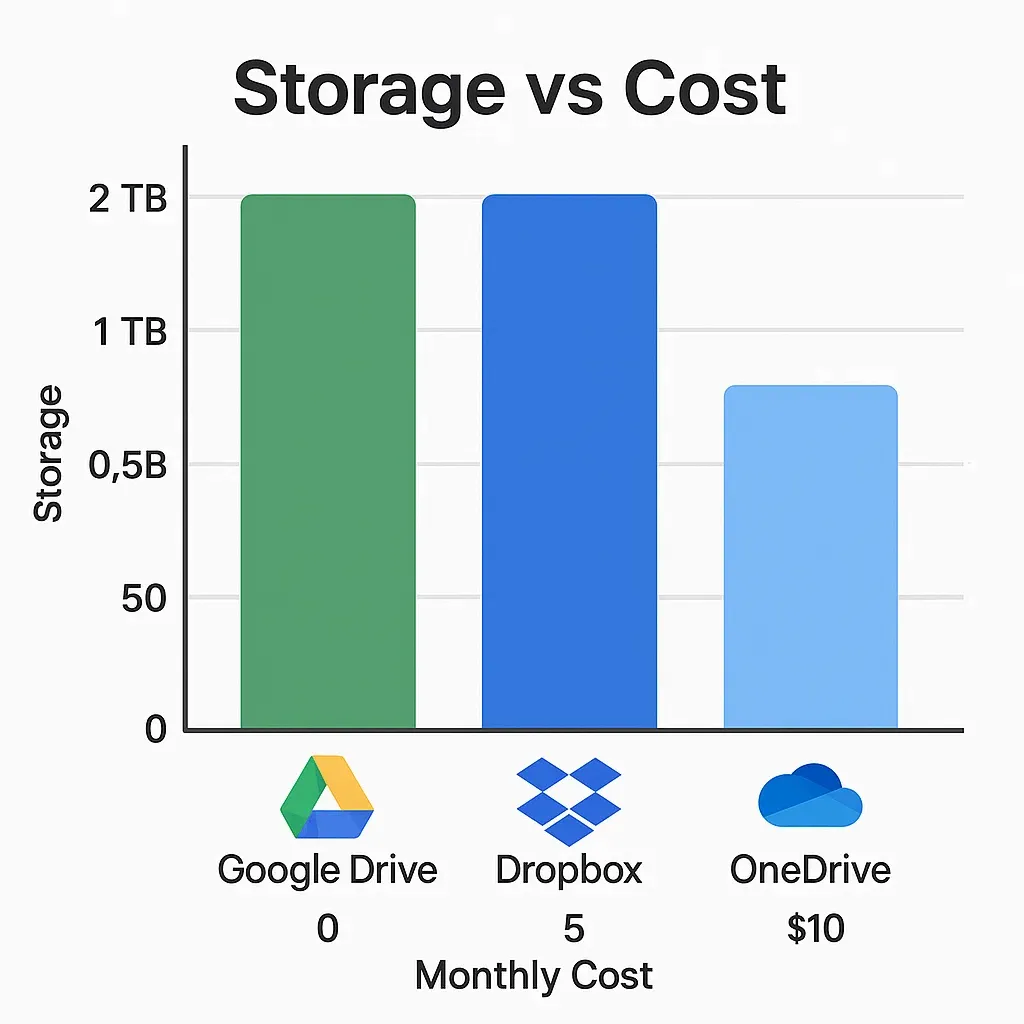
Every Google account starts with 15GB of free space, which sounds generous until you try storing 4K walkthrough videos of your app. But scalability is the name of the game. Paid plans (Google One) scale up to 2TB+ — perfect for creative teams dealing with heavy media files.
2. Real-Time Collaboration & Document Syncing
Here’s where Google Drive really flexes. With Docs, Sheets, and Slides built in, you can co-edit with remote developers, designers, or that one elusive client who never responds to emails — all in real time.
Comments, suggestions, version history — it’s like having a living timeline of your startup’s growth. Think of it as GitHub for non-devs.
3. Search That Actually Finds Things
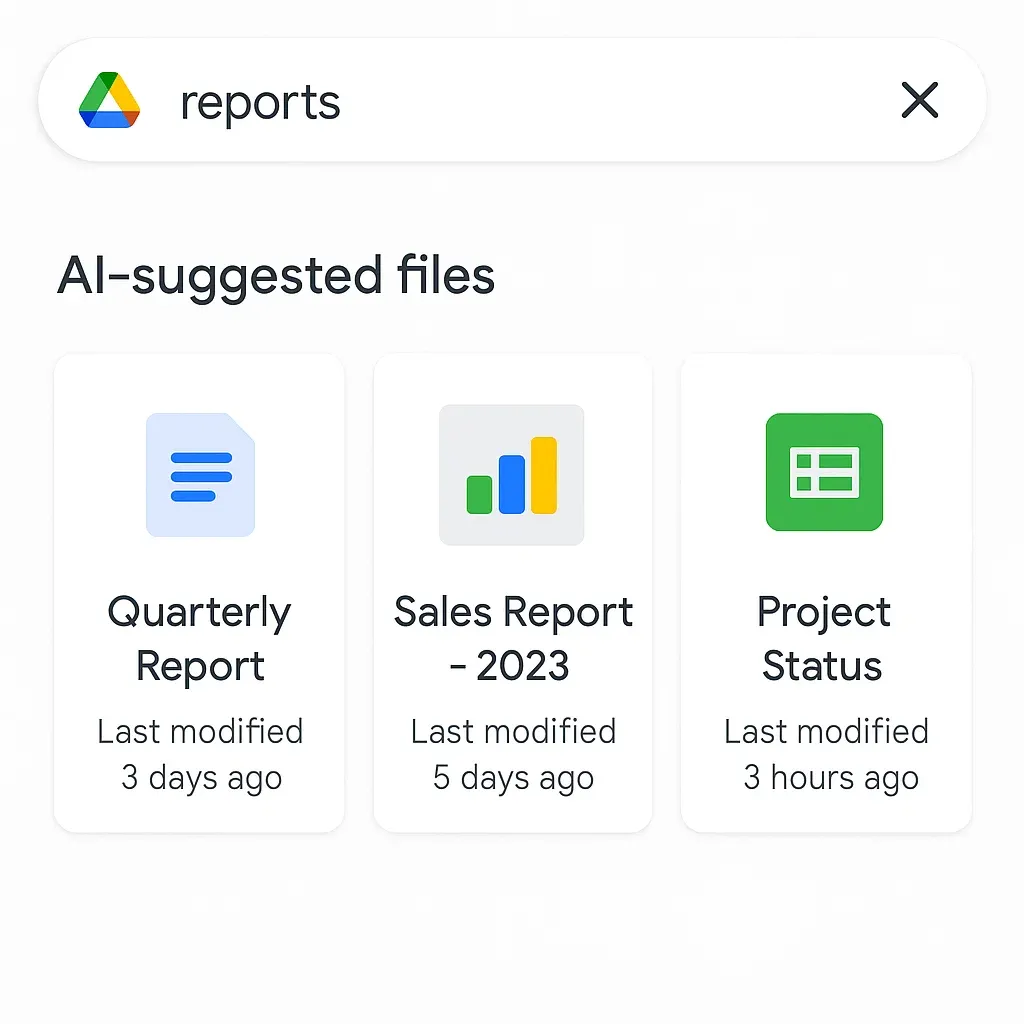
Thanks to Google’s AI-backed search, Drive can surface files based on content, not just titles. You could literally search “logo with blue triangle” and find the right version buried in your design folder from 2018.
It’s semantic search done right — a lesson many clone app founders can take to heart.
4. Third-Party App Integrations
Need to sign a contract? Use DocuSign right inside Drive. Want to annotate PDFs or open .PSD files? Drive lets you plug in third-party tools without ever leaving the tab.
From Slack to Trello, Google Drive has tight APIs — a playbook worth mimicking for any startup focused on extensibility.
5. Granular Permissions & Link Sharing
Forget the drama of “Who deleted the final presentation?” With permission options like Viewer, Commenter, Editor — and link expiration settings — you’re always in control.
For founders working with freelancers, agencies, or offshore devs, this is the difference between chaos and control.
6. Offline Access for Road Warriors
Flying out to pitch in another city? Or maybe you’re hiding out in a no-WiFi cabin to build v2.0 of your app? Google Drive lets you mark files for offline access — keeping your productivity flowing even without internet.
And yes, this works on both desktop and mobile, making it a cross-platform champion.
7. Version History & File Recovery
Accidentally deleted your investor deck the night before demo day? Google Drive keeps previous file versions for days or more, and you can roll back faster than you can say “pivot.”
This is more than a safety net — it’s how resilient software should work.
8. Advanced Search Filters & Priority Workspaces
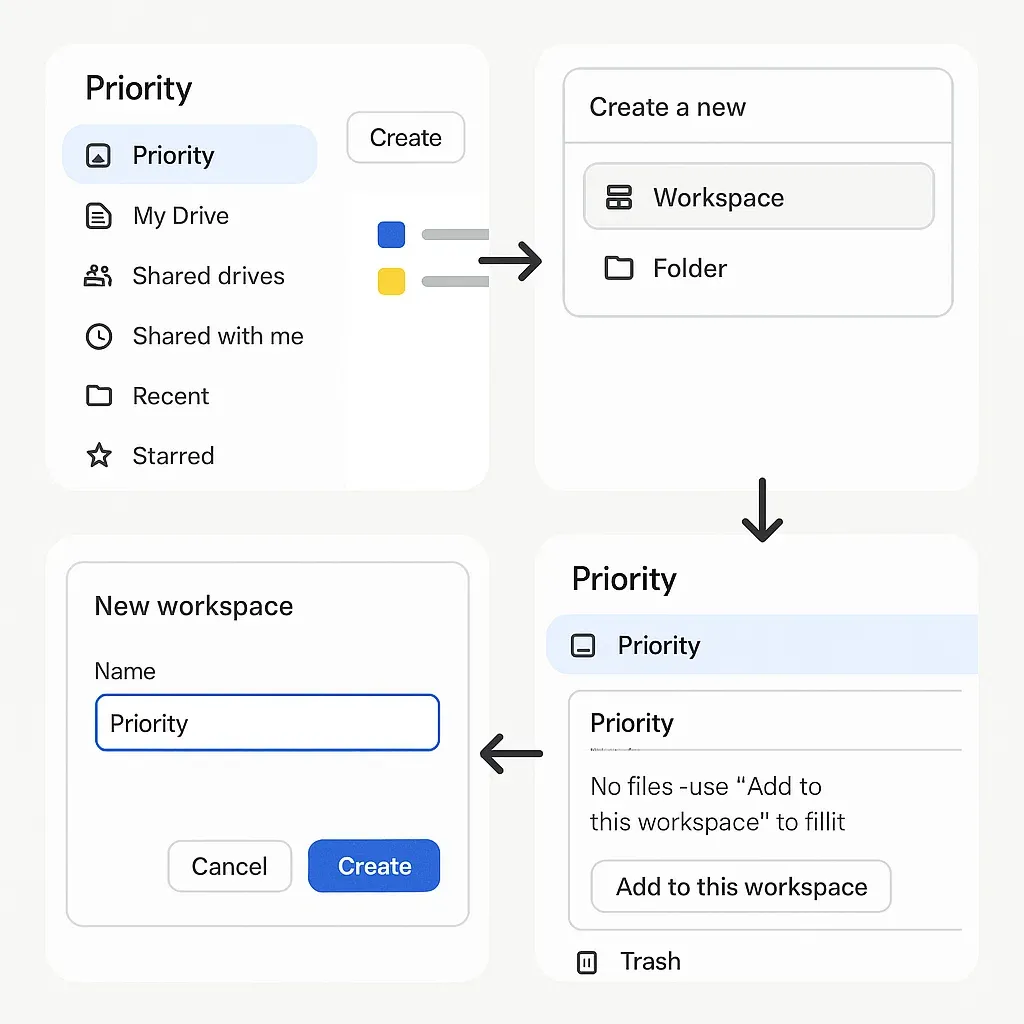
Priority tabs let you organize frequently accessed docs, while advanced filters help you narrow down by owner, file type, or last opened date.
It’s this mix of personalization and logic that makes Google Drive ideal for content-heavy workflows.
Read more: Best Google Drive Clone Scripts in 2025: Features & Pricing Compared
How Entrepreneurs Can Leverage Google Drive Like a Pro
Project Management Without the Bloat
Why invest in complex PM tools when you can use Drive folders + Docs + Sheets as a lean, clean setup? Add a few shared calendars, and you’ve got a budget-friendly productivity stack that’s just as scalable.
Content Creation Hub
Creators use Google Drive to store script drafts, shoot schedules, thumbnails, captions, reels — you name it. It becomes the command center for YouTube creators, podcasters, and Instagram storytellers alike.
Pre-Launch App Resource Library
Design systems, product documentation, investor FAQs — store it all in Drive and control who sees what. It’s an ideal sandbox for pre-launch teams juggling NDAs, prototypes, and press kits.
What Startups Can Learn from Google Drive’s UX
- Speed over complexity: The UI is stupid simple — but powerful under the hood.
- Cross-platform behavior: It behaves the same on smartphones, tablets, and desktops.
- Built-in scalability: From solopreneurs to enterprises, the experience doesn’t break.
If you’re building a file-sharing platform or collaboration app, pay close attention to how Google balances speed, simplicity, and control. It’s the benchmark.
Explore Miracuves’ secure and user-friendly file-sharing platform—fast deployment, drag-and-drop simplicity, and enterprise-grade encryption at your fingertips
Conclusion
Google Drive isn’t just a storage locker anymore. It’s an intelligent hub for collaboration, content creation, and cloud-based business operations. Whether you’re a one-person YouTube studio or a 20-person dev team launching the next Moj, Drive meets you where you are.
The best part? Its feature list can be a roadmap for your own product development.
At Miracuves, we help innovators launch high-performance app clones that are fast, scalable, and monetization-ready. Ready to turn your idea into reality? Let’s build together.
FAQs
Q:1 What’s the max file size I can upload to Google Drive?
Individual files can be up to 5TB in size — assuming you’ve got the storage space in your plan. That’s huge even for HD video.
Q:2 Can I use Google Drive as a project management tool?
Absolutely. Combine Docs, Sheets, and shared folders with calendar syncing, and you’ve got a lean PM tool without the overhead.
Q:3 Is Google Drive secure for business use?
Yes, it’s encrypted, SOC 2 compliant, and has advanced admin controls for enterprise accounts. Just remember to use strong access permissions.
Q:4 Can I integrate Google Drive with my app?
Yes, Google Drive APIs allow read/write access, embedding, and search features — making it ideal for integration in SaaS and mobile apps.
Q:5 Does Drive work offline?
Totally. Enable offline mode in settings, and you can edit Docs/Sheets even without internet. Syncs back up once you’re online.
Related Articles: