Key Takeaways
What You’ll Learn
- Skype is a communication app built on internet-based calling — enabling video calls, voice calls, messaging, and file sharing.
- It works using VoIP (Voice over Internet Protocol), allowing users to connect globally without traditional telecom networks.
- Users connect through accounts and contact systems, making it easy to call, chat, and collaborate in real time.
- Skype supports both app-to-app communication and paid external calling to mobile and landline numbers.
- The platform combines messaging, calling, and collaboration into one unified communication system.
Stats That Matter
- Skype has supported millions of global users, offering cross-platform communication on mobile and desktop devices.
- VoIP technology reduces communication costs compared to traditional calling systems.
- Real-time communication apps rely on strong infrastructure to deliver stable calls and messaging.
- Communication platforms combine multiple features like chat, video, and file sharing into a single experience.
Real Insights
- The core value of Skype is simplicity, allowing users to connect globally with minimal setup.
- VoIP technology is the backbone, enabling internet-based calling instead of telecom dependency.
- Communication apps succeed when features are integrated, not separated across multiple tools.
- Performance and reliability are critical, as users expect seamless real-time interaction.
- A Skype-like platform works best when messaging, calling, and collaboration are unified into one system.
Remember the days when video calling felt like sci-fi? When seeing someone’s face across the world made you feel like Tony Stark in his lab? Yep, that’s the kind of magic Skype brought into our lives. It didn’t just disrupt—Skype redefined communication. From virtual job interviews to “I miss you” calls, it became the go-to for personal and business chat long before Zoom was even on the radar.
Fast forward to today, and while Zoom and Teams hog the spotlight, Skype still powers millions of calls, chats, and screen shares every single day. It’s built into desktops, used by freelancers, teachers, remote teams—and let’s be honest, our tech-shy parents too.
If you’re a creator or founder wondering how Skype actually works and dreaming of launching something similar (maybe smarter, leaner, cooler), you’re in for a ride. Miracuves helps entrepreneurs launch high-performance Skype clones tailored for today’s needs. Let’s decode the platform that sparked it all.
What is Skype? A Quick Overview
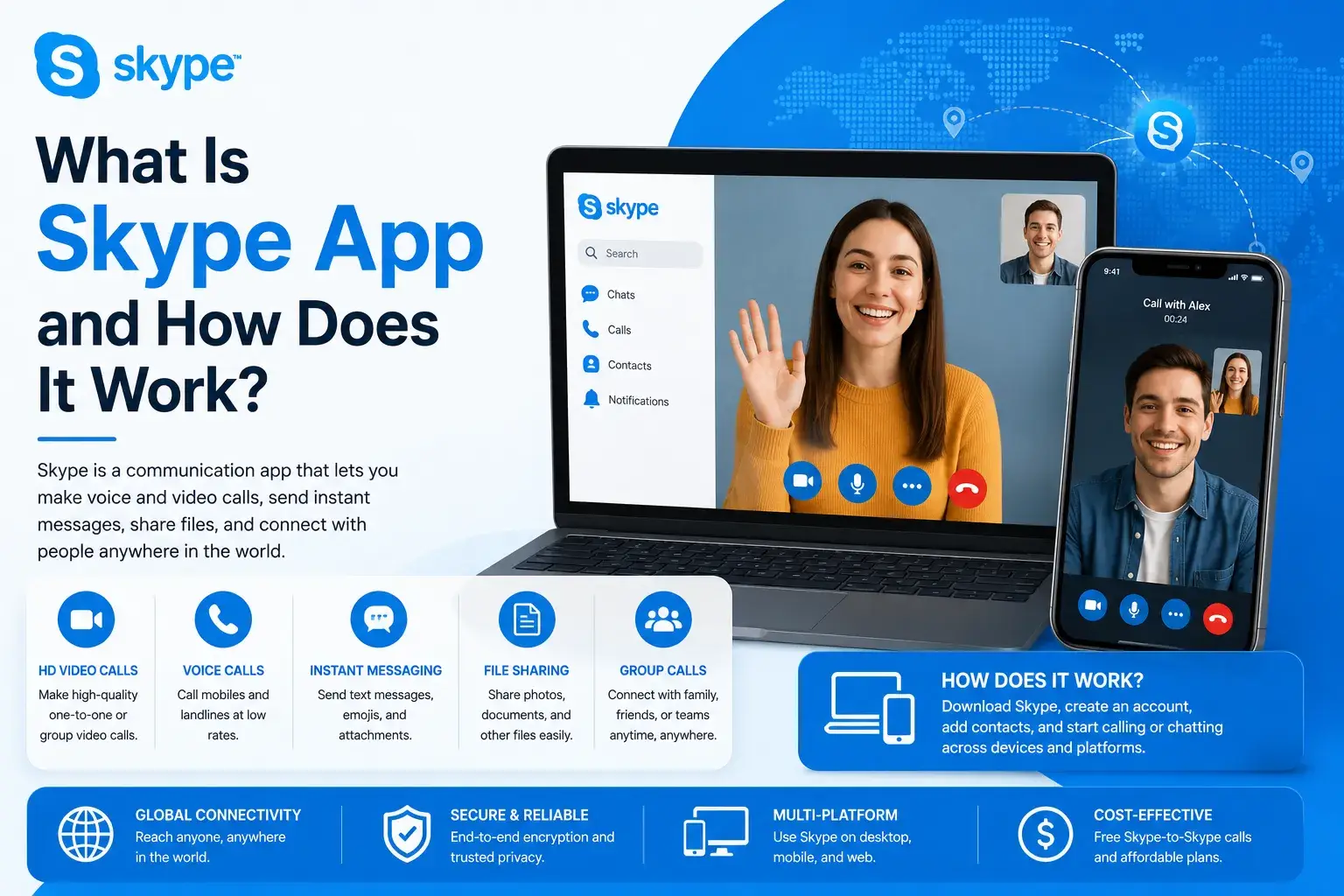
Skype is a VoIP-based communication app—aka Voice over Internet Protocol. It lets users make voice calls, video calls, group chats, and screen shares over the internet. Founded in 2003 and acquired by Microsoft in 2011, Skype remains a legacy player in digital communication.
- Core Features: HD video calling, instant messaging, file sharing, screen sharing, call recording
- Platforms: Windows, macOS, iOS, Android, web browsers
- User Base: Over 300 million active users globally
How Does Skype Work Behind the Scenes?
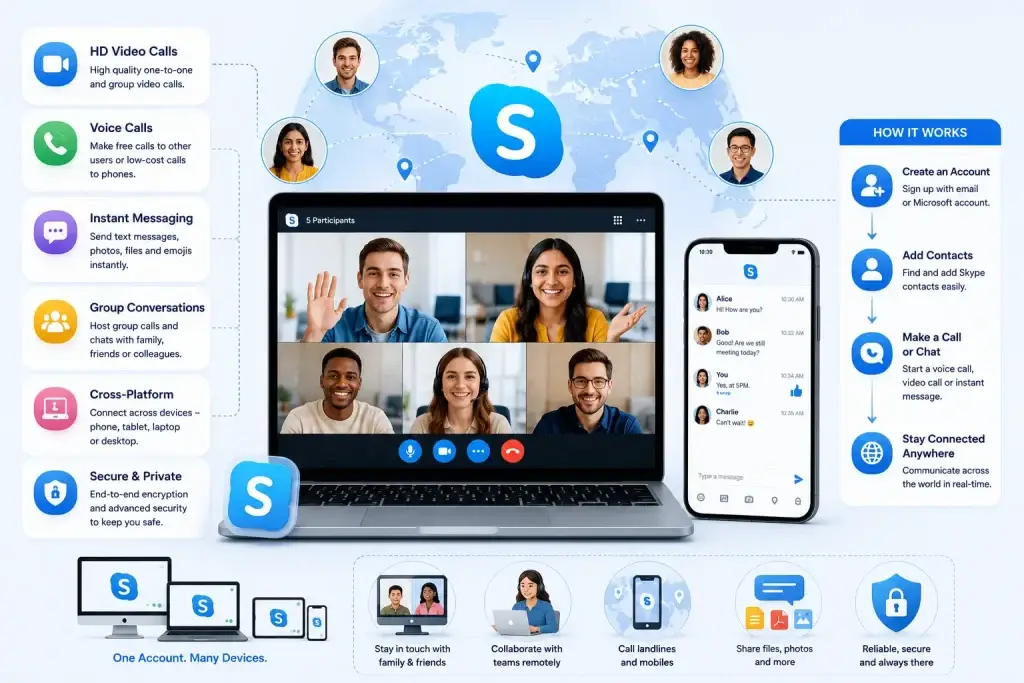
1. VoIP Technology
Skype converts your voice into tiny data packets, shoots them over the internet, and reassembles them on the other side. All in milliseconds. This is what makes real-time calls possible without a phone line.
Tech Breakdown:
- Codec: Compresses voice/video
- Protocol: TCP/IP & UDP for packet transfer
- Encryption: AES and TLS for data privacy
2. Peer-to-Peer (P2P) → Centralized Servers
Originally, Skype ran on a P2P network—users’ devices acted as nodes. Over time, especially post-Microsoft acquisition, it shifted to centralized cloud servers to scale better and add security features like call recording and compliance logging.
3. Multi-Device Sync
You start a chat on your laptop, continue on your smartphone, and join a video call via your tablet—all without missing a beat. Skype syncs everything via your Microsoft ID, using cloud-based state management.
Alao Read:-Reasons startup choose our skype clone over custom development
Why Skype Still Matters in 2026
Despite competition from WhatsApp, Zoom, and Google Meet, Skype continues to hold ground because:
- No login needed to join calls (guests can hop in!)
- Low bandwidth performance in rural/international areas
- Trusted by enterprises and educators globally
Global Cost Factors & Pricing Breakdown
PHP/Laravel is often the most practical choice for launching a communication platform quickly and affordably. Node.js/Python supports real-time messaging and calls, while microservices architecture is ideal for enterprise-level communication systems.
Miracuves Skype-Like App Solution Cost and Tech Stack
Miracuves Pricing for a Skype-Like App developed in PHP/Laravel with Flutter Apps for $2,799 USD (One-Time Price) in just 6 days
Get a fully developed, deployment-ready platform modeled after the Skype-style communication system. Built on a reliable PHP/Laravel backend with Flutter mobile apps, this complete solution helps you launch and scale a real-time messaging and calling platform quickly and efficiently.
- Core Workflows: User registration, contact management, real-time messaging, voice calls, video calls, and communication between users.
- Built-in Operations: Messaging infrastructure, call handling logic, notification system, user presence tracking, and secure data transmission.
- Management Hub: Centralized admin panel to manage users, conversations, call logs, platform activity, moderation, and overall system performance.
- Launch-Ready: Fully prepared for your branding, configuration, and immediate go-to-market execution.
Why is it so affordable?
Most modern communication platforms are built using complex architectures like Node.js or microservices. While powerful, these approaches require large engineering teams, longer timelines, and significantly higher development costs.
We took a smarter and more practical approach:
- You Aren’t Paying for Ground-Up Development: Our communication platform engine is already developed, tested, and ready to deploy. You skip months of development time and avoid the high costs of building from scratch.
- The Power of PHP / Laravel: Built on one of the most trusted and widely used frameworks globally, this solution keeps upfront costs low while ensuring long-term flexibility. With a large developer ecosystem, it becomes easier and more cost-effective to maintain, scale, and customize your platform.
- Built for Practical Growth: You get a strong, market-ready Skype-like platform with essential features like messaging, voice/video calling, and real-time communication—without the complexity and expense of enterprise-level builds.
You get a scalable, production-ready platform without paying inflated development costs.
Note: This cost is for the solution, re-branding, deployment, and source code only.
Skype App Features (And Why They Matter)
Here’s what makes Skype more than “just another calling app”:
1. HD Video & Audio Calling
Ideal for business meetings, virtual classrooms, or family catch-ups. It even adapts to low-bandwidth conditions.
2. Live Chat & Emojis
Sometimes, words aren’t enough—enter gifs, reactions, and emojis. Skype’s chat is a familiar, no-fuss messenger that feels just right.
3. Screen Sharing & Whiteboard Tools
Whether you’re pitching a deck or helping grandma fix her settings, screen sharing saves lives (and time).
4. File Sharing & Cloud Sync
Docs, videos, memes—drag and drop them all. Files are stored temporarily in chat threads for quick access.
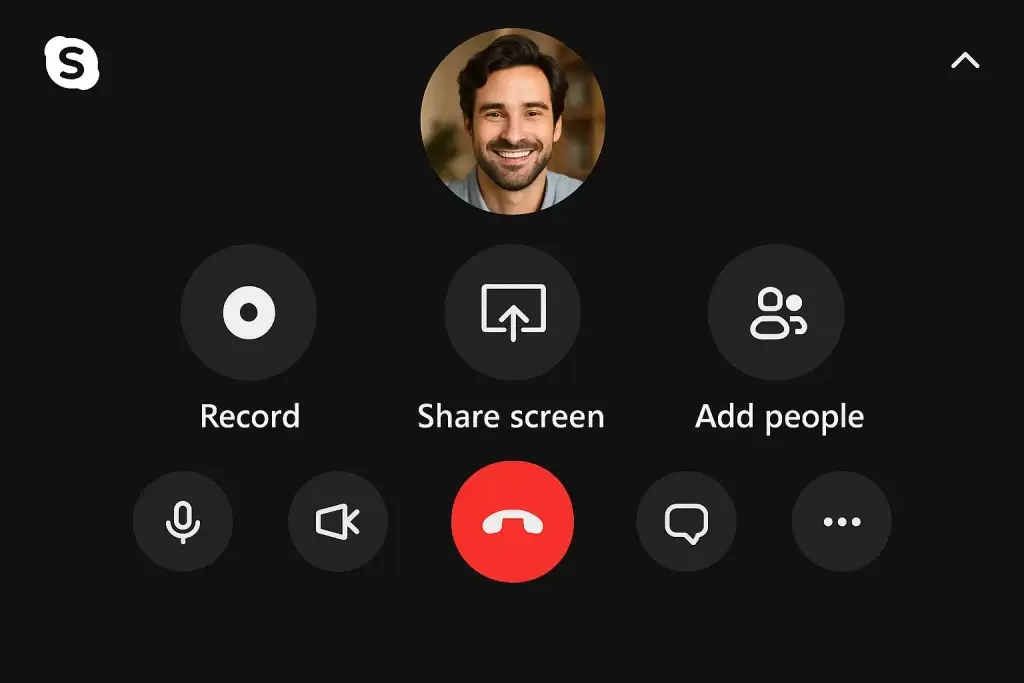
5. Call Recording & Live Captions
Record calls for later (hello, podcasters!) or use captions for accessibility or note-taking.
More Than Just a Call – Explore Skype’s Rich Features for Work and Life!
Thinking of Building a Skype Clone?
You’re not trying to reinvent the wheel—you’re just aiming to build a smoother ride. Here’s what your Skype-like app needs to shine in 2026:
1. Core Architecture
- Real-time communication (WebRTC or similar)
- Scalable back-end with load balancing
- Encryption & data compliance (GDPR, HIPAA if needed)
2. Must-Have Features
- One-click guest access
- Custom backgrounds
- In-chat polls and reactions
- App integrations (like calendar invites or cloud drives)
3. Monetization Potential
- Freemium model with Pro upgrades
- Team plans for SMBs
- Pay-per-use for storage or recordings
From Messaging to Video Calls – Build a Feature-Rich Skype Clone Now!
Competitive Edge: Why Entrepreneurs Are Building Skype Alternatives
- Niche Opportunities: Education-only video apps, mental health sessions, or job interview bots
- Better UX: Simplified interfaces without bloated menus
- Local Compliance: Regional startups offering GDPR/CCPA-specific apps
Start with an MVP that includes video calling, text chat, and file sharing. Add premium features later based on user feedback.
Want to Know What Makes Skype a Global Communication Giant?
Dive into Skype’s business model, explore its revenue model, and uncover the smart marketing strategy behind its worldwide success!
Conclusion
Skype revolutionized how the world connects—but there’s room for smarter, simpler, and more specialized alternatives. Whether you’re targeting creators, coaches, or corporate teams, a Skype-inspired app can be your ticket to startup success.
At Miracuves, we help innovators launch high-performance app clones that are fast, scalable, and monetization-ready. Ready to turn your idea into reality? Let’s build together.
FAQs
What exactly is Skype used for?
Skype is used for voice/video calls, chat, file sharing, screen sharing, and group meetings—great for both personal and business use.
Can I use Skype without downloading the app?
Yes! You can use Skype via any modern web browser. It even allows guests to join calls without an account.
Is Skype still relevant today?
Definitely. While not as hyped, it remains a robust tool trusted by millions globally—especially in remote and enterprise communication.
What’s the tech stack behind a Skype-like app?
With Miracuves, the tech stack uses a PHP/Laravel backend and Flutter apps, with built-in real-time features and cloud-ready setup—designed for fast launch and easy scalability.
How does Skype handle low bandwidth?
Skype compresses video/audio in real-time and prioritizes voice data to ensure uninterrupted calls even in patchy networks.
How much would it cost to build a Skype clone?
Your Skype clone with Miracuves starting at $2,799 – a reliable and ready-to-launch video calling and messaging platform built for performance.
Related Articles :-
- Fatal Mistakes Startups Make When Launching a Skype Alternative
- Zoom-Like App Development Cost Breakdown
- Best Mailchimp Clone Scripts in 2025: Features & Pricing Compared
- The Ultimate Guide to Building VoIP and Video Calling Apps
- Most Profitable Email Marketing Apps to Launch in 2025
Miracuves is an independent software development company. We are not affiliated with, connected to, sponsored by, or endorsed by any company or product named in this article.
Terms such as “X Clone” are used descriptively. It is how the software industry refers to building a platform with functionality comparable to a known service, and how clients search for it.
The entire design and codebase of our products is built by our own team. Our products contain no code, design, graphics, or content originating from any third-party website or applications.
All third-party names and marks referenced in this article are the property of their respective owners, referenced solely to identify the services discussed.