
How to Disable Unused Elementor Widgets Safely (Without Breaking Pages)
Disabling unused Elementor widgets is one of the fastest ways to reduce editor bloat and make Elementor feel smoother in the WordPress admin—especially on large

MirxAI
AI you own, from day one. Ready-made AI platforms live in 6 working days, or custom AI built by our engineers.
Explore MirxAINot sure where AI fits? Talk it through with an engineer, free.
Talk to an AI engineerFrom a first assistant to agents that run whole workflows. Full source code on every build.
Machine learning, computer vision and language models, on data pipelines built to last.
Production-ready AI products with apps, admin and full source code, branded as yours.
Where AI earns its keep in your market, with the platforms we have already built there.
Bring in AI engineers by the month, or hand us the whole build.
What we have learned shipping AI products, from our blog.
Prompt-to-app generation, credits and an admin console, with the full source code.
Explore the Bolt.new clone
8 ready-made AI platforms24 AI and data services100% source code ownership6 working days to launch
Disabling unused Elementor widgets is one of the fastest ways to reduce editor bloat and make Elementor feel smoother in the WordPress admin—especially on large

If an Elementor Heavy pages is very large (many sections, containers, and widgets), it can become difficult to open in the WordPress admin editor. Common

Most Elementor sites become slow in the WordPress admin editor for one simple reason: the editor loads far more widgets than the site actually uses—especially when multiple addon packs
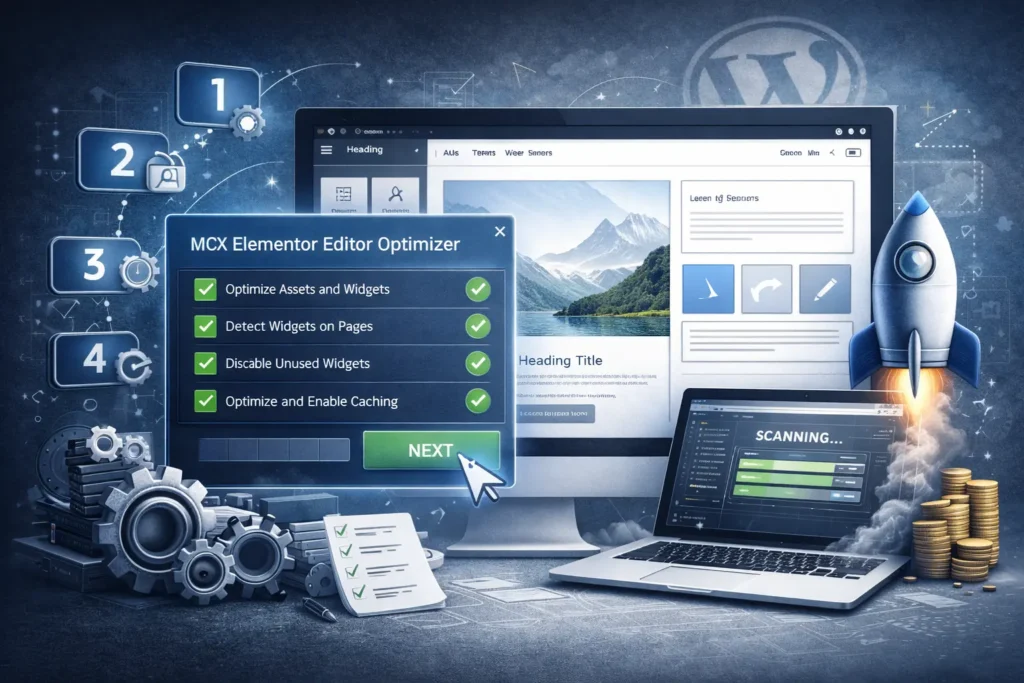
This guide walks you through setting up MCX Elementor Editor Optimizer from start to finish—installing the plugin, running a widget usage scan to find used

If your Elementor editor takes too long to load after clicking “Edit with Elementor”, feels laggy while editing, or struggles to open large pages—this is one of the most common WordPress
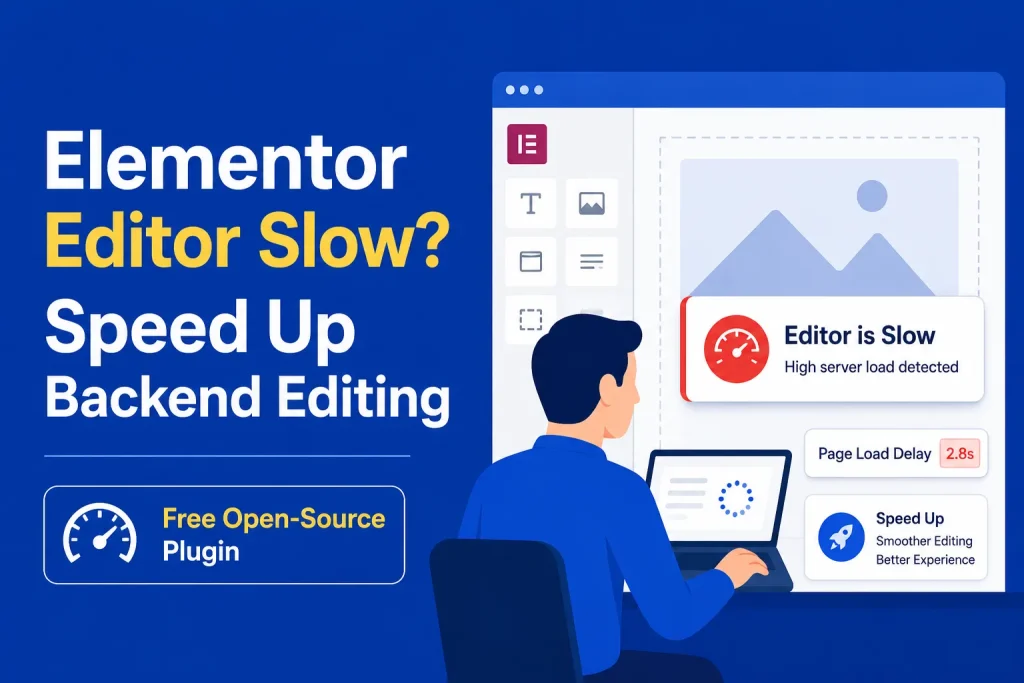
Key Takeaways What You’ll Learn Elementor editor can slow down because of heavy widgets, plugins, scripts, and server limits. Disabling unused Elementor widgets can improve

Optional. Paying in full works too.
25% off the published price of any ready-made solution ordered by 30 October 2026. The extras are included with every ready-made solution order. We submit to your own Google Play and Apple developer accounts and fix any technical rejection until the apps are approved. Rejections over store listing details (descriptions, screenshots, policy links and other metadata) are yours to update; review times are set by Apple and Google. The 6 working days start once your branding, hosting and accounts are ready. We reply in under 2 hours, Mon-Sat.