

Today, users expect more than just functionality from mobile apps—they expect intelligence. Whether it’s personalized recommendations, smart notifications, or instant customer support, AI is redefining how apps interact with users.
For startups and businesses, this shift is not optional anymore. If your app doesn’t adapt, users will quickly move to competitors that offer smarter experiences.
This is where platforms like Miracuves app development solutions come into play, helping businesses integrate powerful AI capabilities into their mobile apps without unnecessary complexity.
In this guide, we’ll break down the most impactful AI features you can add to your mobile app and how they can drive engagement, retention, and revenue.
Why AI is Becoming Essential in Mobile Apps

AI is no longer just a buzzword—it’s a core component of successful apps.
Rising User Expectations
Users now expect apps to understand their behavior, preferences, and needs.
Increased Competition
Thousands of apps compete in every category. AI helps you stand out.
Demand for Personalization
Generic experiences don’t work anymore. AI enables tailored user journeys.
Automation Advantage
AI reduces manual work, improves efficiency, and enhances scalability.
10 AI Features That Can Transform Your Mobile App
1. Personalized Recommendations
AI analyzes user behavior to suggest products, content, or services.
How It Works
- Tracks user activity
- Learns preferences
- Suggests relevant items
Example
Netflix recommending shows based on viewing history.
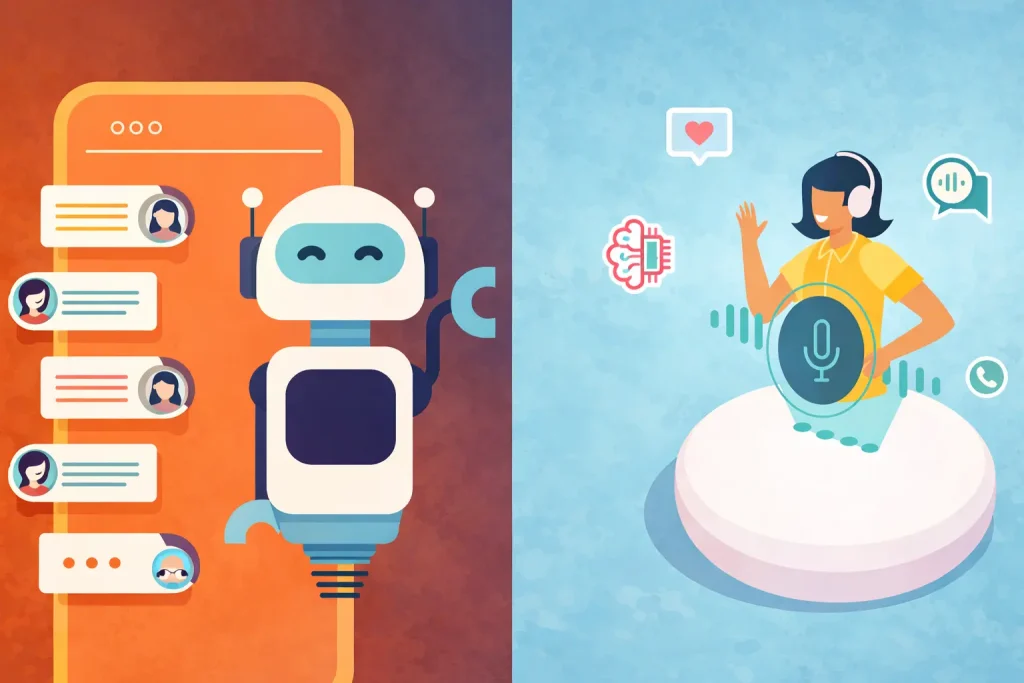
2. AI Chatbots & Virtual Assistants
Read more : – Best Elicit Clone Script 2026 : Build Your Own AI Research Assistant Platform
Chatbots provide instant support and improve user experience.
Benefits
- 24/7 availability
- Reduced support cost
- Faster responses
Use Case
E-commerce apps handling customer queries automatically.
3. Voice Recognition
Voice-enabled apps improve accessibility and convenience.
Examples
- Voice search
- Commands
- Smart assistants
Impact
Makes apps more interactive and user-friendly.
4. Image Recognition
AI can identify objects, faces, and patterns in images.
Applications
- Product search via images
- Medical diagnostics
- Security verification
5. Predictive Analytics
AI predicts user behavior and future actions.
Use Cases
- Purchase prediction
- Churn prevention
- User engagement tracking
Benefit
Helps businesses make data-driven decisions.
6. Smart Search (AI-powered)
AI improves search results based on intent, not just keywords.
Features
- Auto-suggestions
- Context understanding
- Personalized results
7. Fraud Detection Systems
Essential for fintech and payment apps.
Capabilities
- Detect unusual patterns
- Prevent fraud in real-time
- Improve security
8. Natural Language Processing (NLP)
NLP helps apps understand human language.
Applications
- Chat systems
- Content analysis
- Voice assistants
9. AI-Based Notifications
Smart notifications increase engagement without annoying users.
How It Works
- Sends alerts at the right time
- Based on user behavior
- Personalized messaging
10. Content Recommendation Engines
Keeps users engaged longer by showing relevant content.
Examples
- Social media feeds
- News apps
- Video platforms
Read more : – Best Copy.ai Clone Script 2026 : Build Your Own AI GTM Content Platform
Comparison Table — AI Features vs Benefits vs Complexity
| AI Feature | Key Benefit | Implementation Complexity |
|---|---|---|
| Personalized Recommendations | High engagement | Medium |
| Chatbots | Customer support automation | Low |
| Voice Recognition | Better UX | Medium |
| Image Recognition | Advanced functionality | High |
| Predictive Analytics | Better decisions | High |
| Smart Search | Improved usability | Medium |
| Fraud Detection | Security | High |
| NLP | Human-like interaction | Medium |
| Smart Notifications | Higher retention | Low |
| Recommendation Engine | User engagement | Medium |
How to Choose the Right AI Features for Your App
Based on Your Business Model
- E-commerce → Recommendations, chatbots
- SaaS → Predictive analytics, NLP
- Fintech → Fraud detection
Based on Your Users
Understand what your users actually need—not what looks trendy.
Based on Your Budget
Start small and scale AI features over time.
How to Add AI to Your Mobile App (Step-by-Step)
Step 1: Define Your Goal
Decide what problem AI will solve.
Step 2: Choose the Right Technology
Use APIs or custom AI models.
Step 3: Develop or Integrate
Work with experts or platforms to implement features.
Step 4: Test and Optimize
Continuously improve based on user data.
Common Mistakes to Avoid
Overloading with AI
Too many features can confuse users.
Ignoring User Experience
AI should simplify, not complicate.
Poor Data Quality
AI is only as good as the data it uses.
Read more : – How to Turn Your Startup Idea Into a Mobile App
How Miracuves Helps Build AI-Powered Apps
Building AI-powered apps can be complex, but the right partner makes it easier.
Miracuves offers:
- AI automation platforms
- Ready-made app solutions
- Custom mobile app development services
Whether you’re launching a startup or scaling an existing product, Miracuves helps you integrate AI features that actually deliver results.
If you’re planning to build a smarter mobile app, contact Miracuves today to get started.
Conclusion
AI is transforming mobile apps from simple tools into intelligent systems.
By integrating the right AI features, you can:
- Improve user experience
- Increase engagement
- Drive business growth
The key is to start with the features that matter most to your users and scale strategically.
Apps that adapt to user needs will always outperform those that don’t.
FAQs
1. What are the most important AI features for mobile apps?
Personalized recommendations, chatbots, and predictive analytics are among the most impactful.
2. Is AI expensive to implement in mobile apps?
It depends on complexity. Many AI features can be integrated using affordable APIs.
3. Can small startups use AI in their apps?
Yes, startups can start with simple AI features and scale over time.
4. Do all mobile apps need AI features?
Not necessarily, but AI provides a strong competitive advantage.
5. How long does it take to add AI to an app?
It can range from a few weeks to several months depending on the feature and complexity.
Related Articles
Miracuves is an independent software development company. We are not affiliated with, connected to, sponsored by, or endorsed by any company or product named in this article.
Terms such as “X Clone” are used descriptively. It is how the software industry refers to building a platform with functionality comparable to a known service, and how clients search for it.
The entire design and codebase of our products is built by our own team. Our products contain no code, design, graphics, or content originating from any third-party website or applications.
All third-party names and marks referenced in this article are the property of their respective owners, referenced solely to identify the services discussed.