White Label Yacht Marketplace · Features

White Label Yacht Marketplace Features: Built Around the Lead

The same boat often sits on several portals at once, so stock alone will not set you apart. What does is the buyer's history, the quality of your lead data and how quickly a broker answers, and all three live in software you would own. This is the feature set of the platform underneath the yacht marketplace clones, sorted by who touches it, with every outside account and deployment decision written next to the feature it affects.
Request a Live Demo →See Pricing
Full source handed over
8 marine service desks
6 working days to deploy
Every enquiry
A record with a clock
Follow One Inquiry Through the Desk
01Logged with its source and intent
02Scored from the buyer's own answers
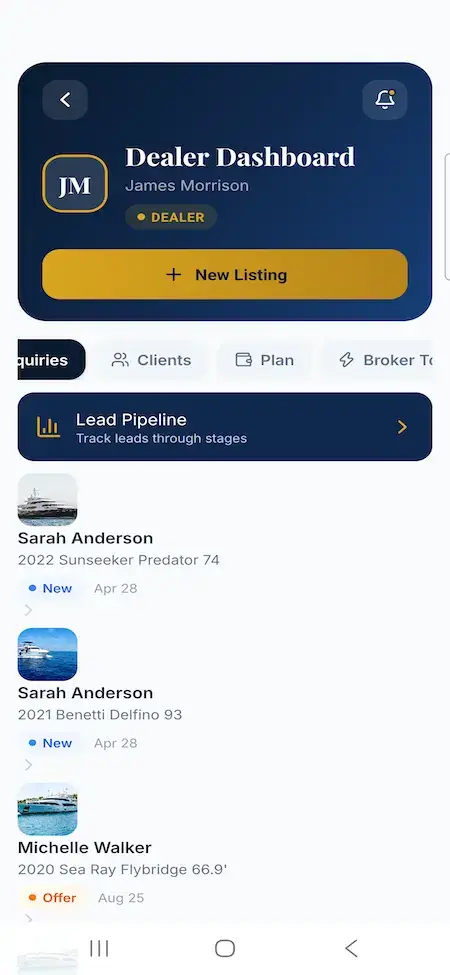
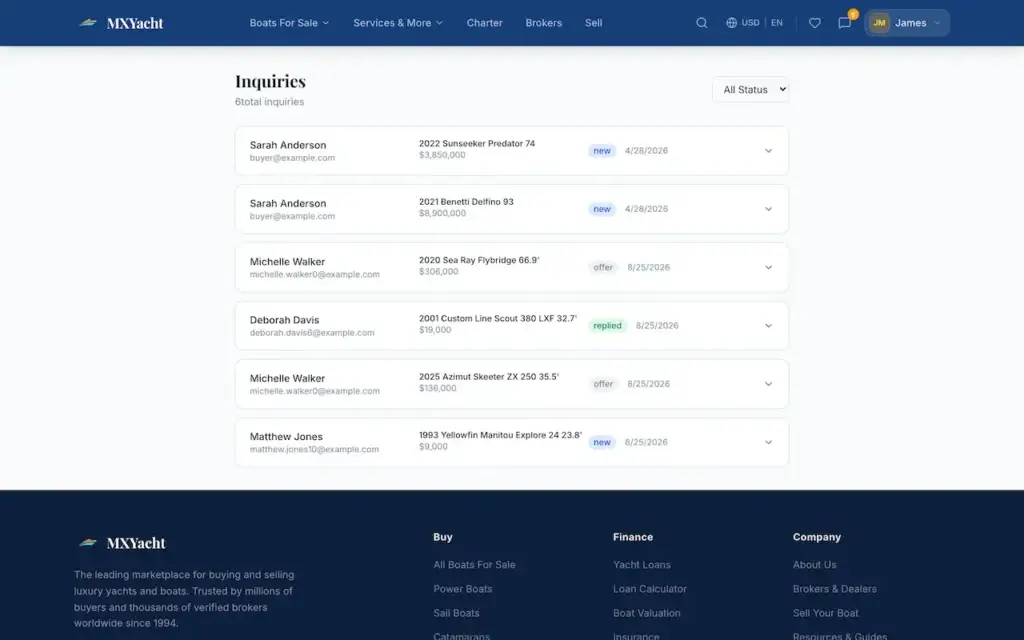
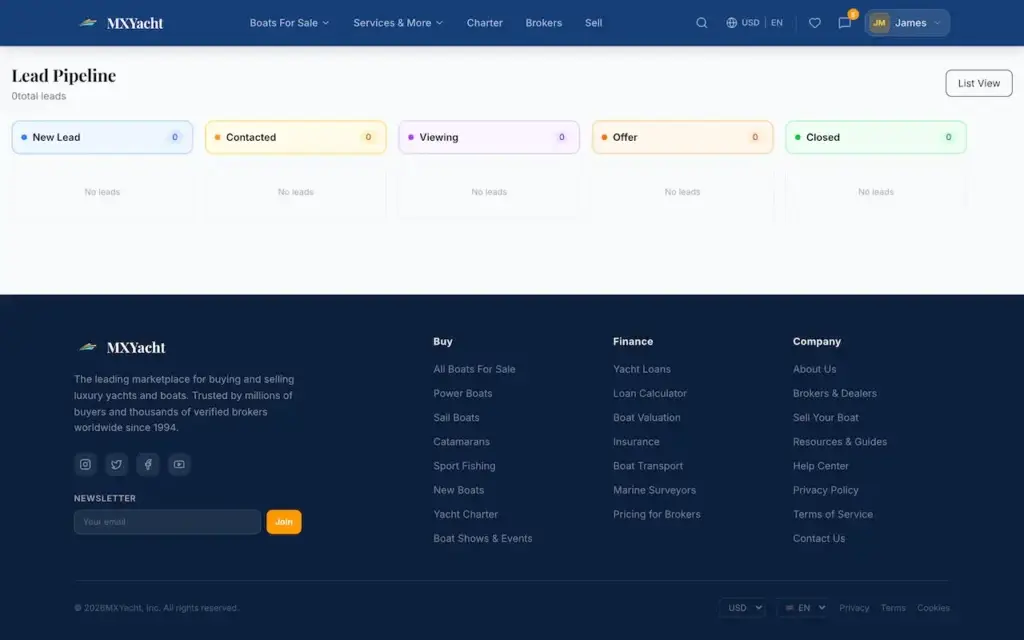
03Staged on the broker's kanban board
04Answered inside its own thread
05Widened with a hand-picked shortlist
06Measured from the first reply
203
API Handlers in the Build
40
Database Tables
46
Web App Routes
8
Marine Service Desks
By Role

What Each Person Gets

Six working surfaces, all running on one API and one PostgreSQL database that you would hold.
01

The Buyer

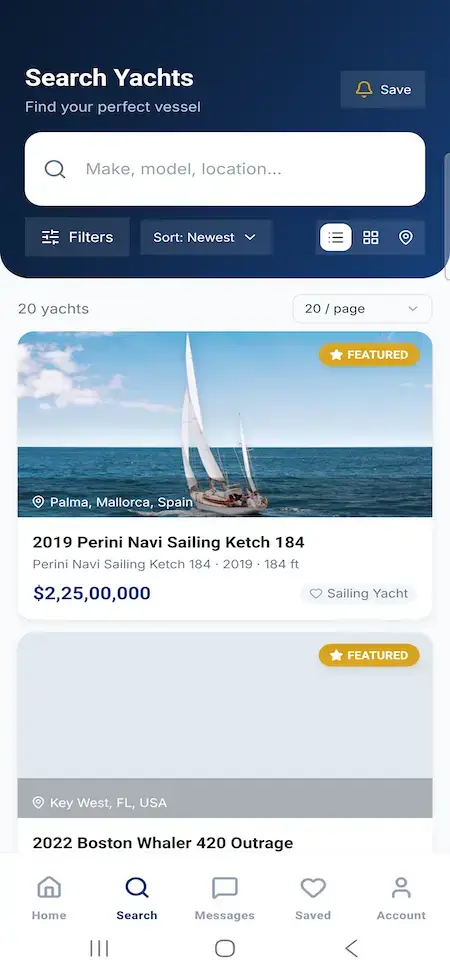
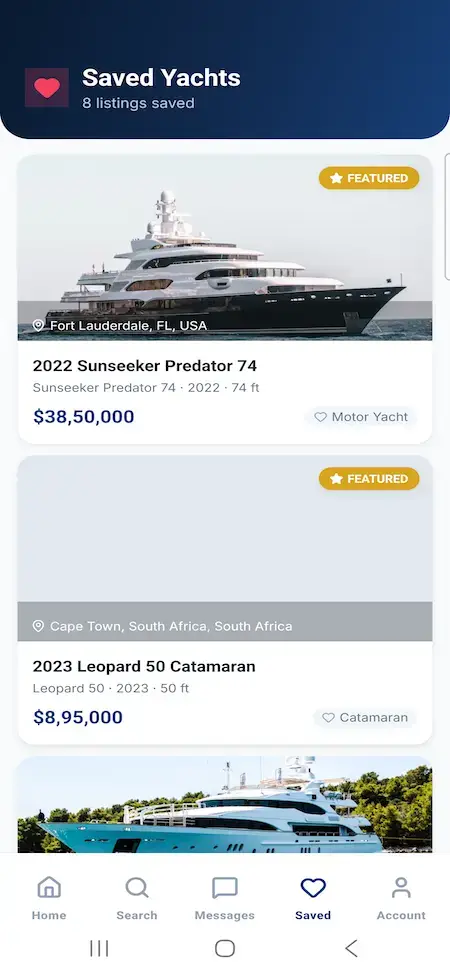
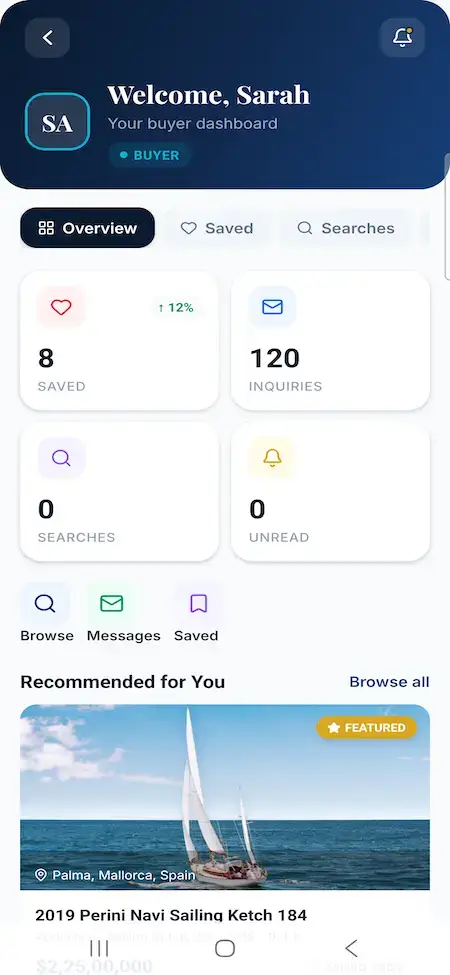
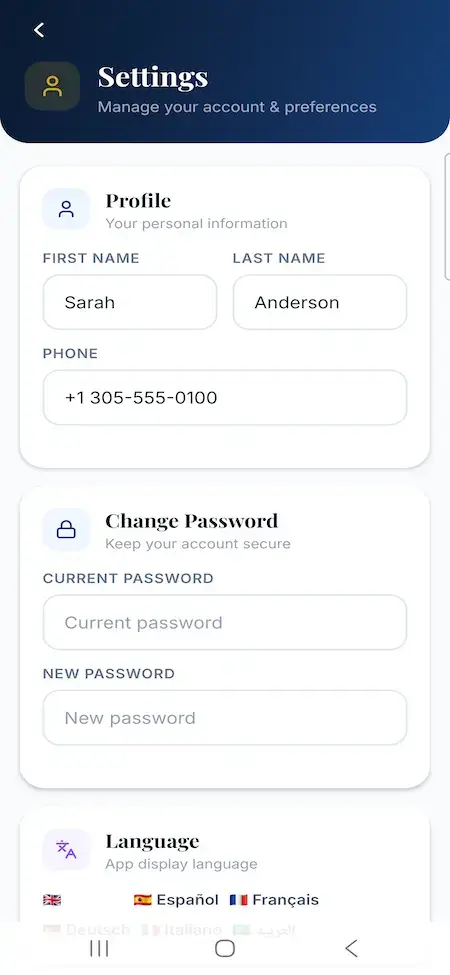
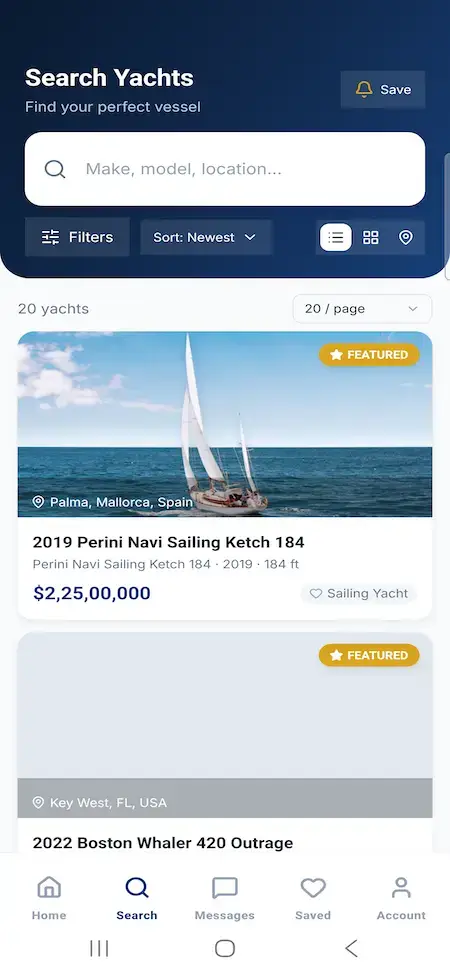
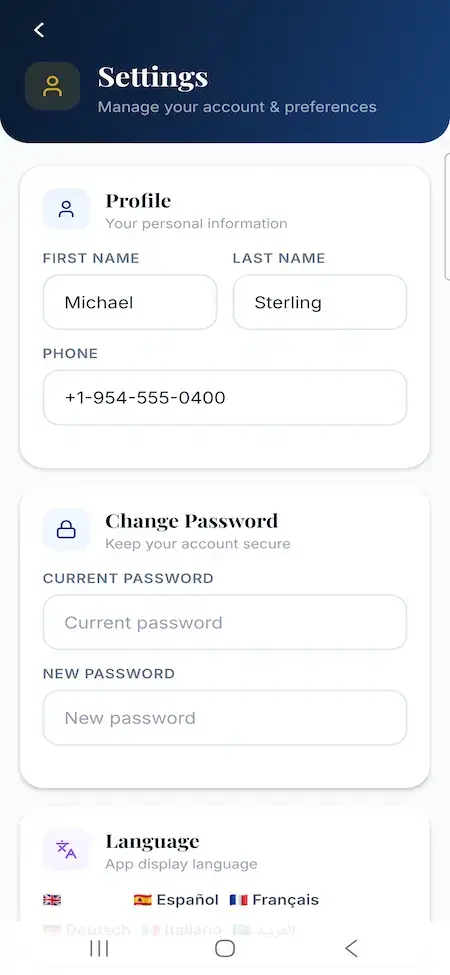
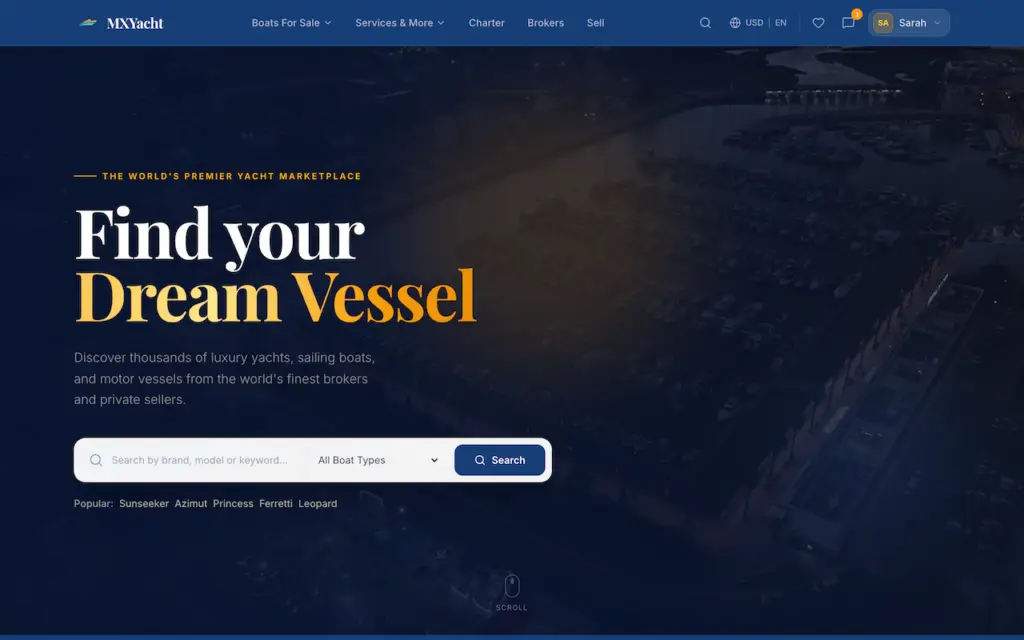
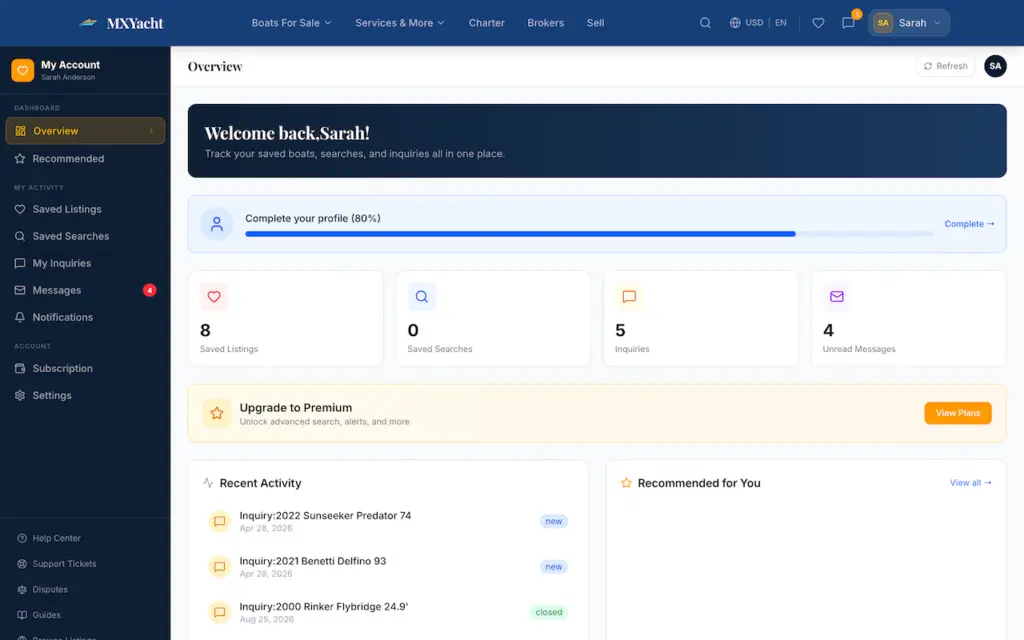
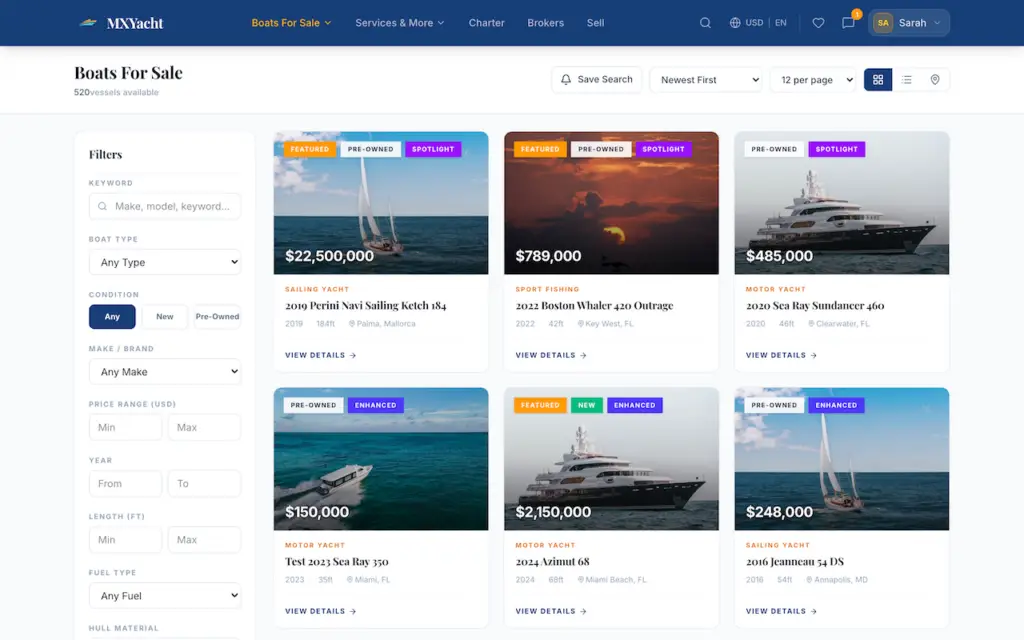
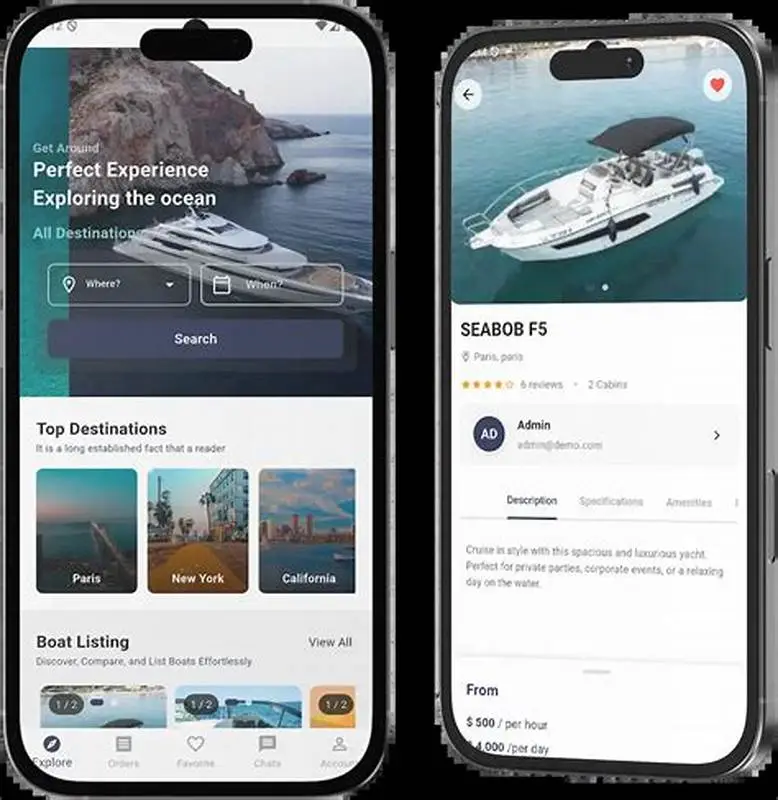
Search by keyword, then narrow with ranges for price, year, length, beam, draft and engine hours, or by country, state and a map radius. Favorites and side-by-side compare sit beside named saved searches that email new matches daily or weekly once your SMTP account is connected. Prices display in six currencies and the interface in five languages.

02

The Private Owner

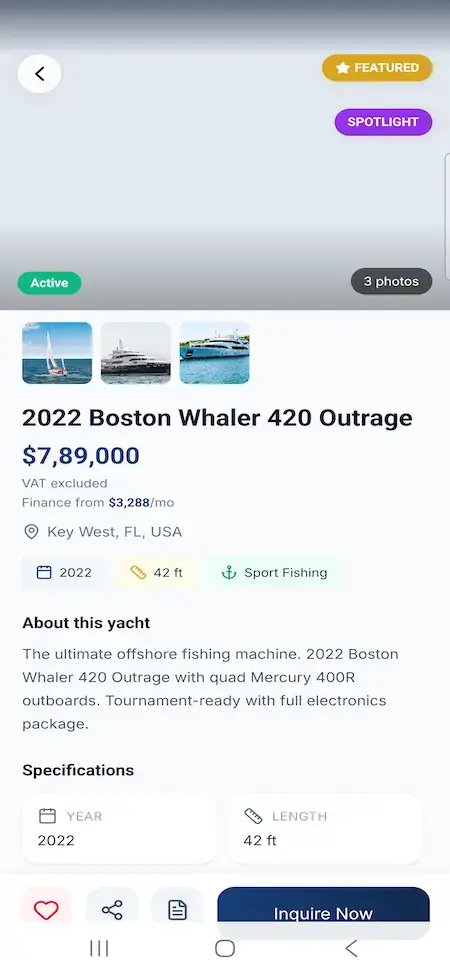
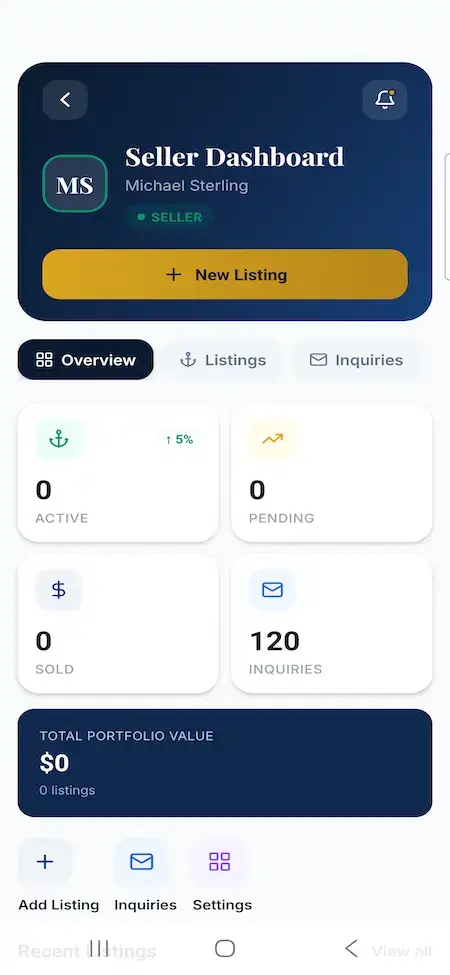
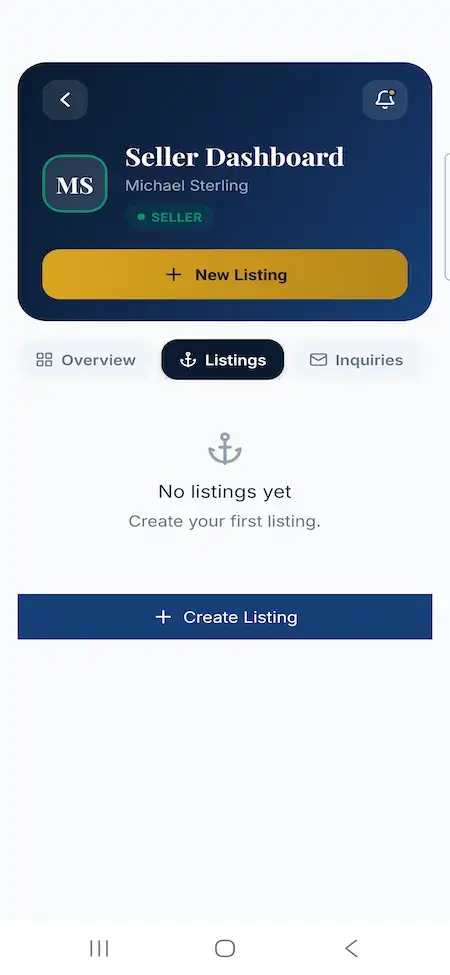
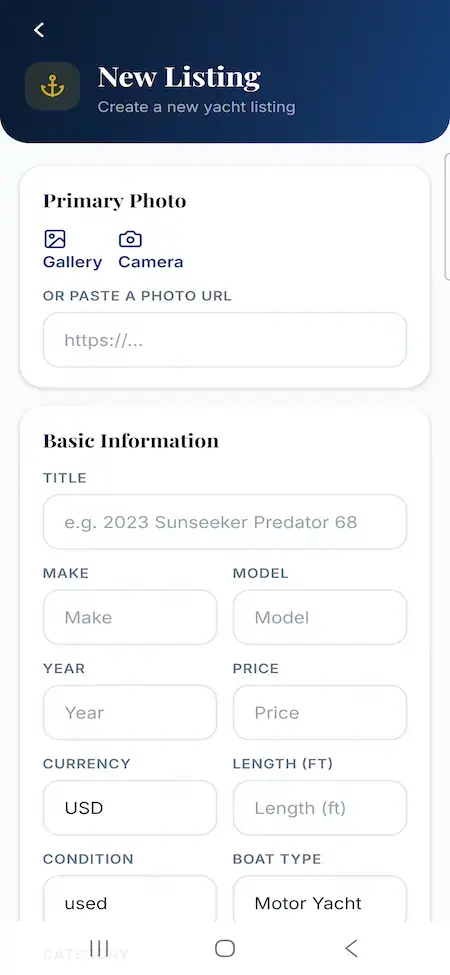
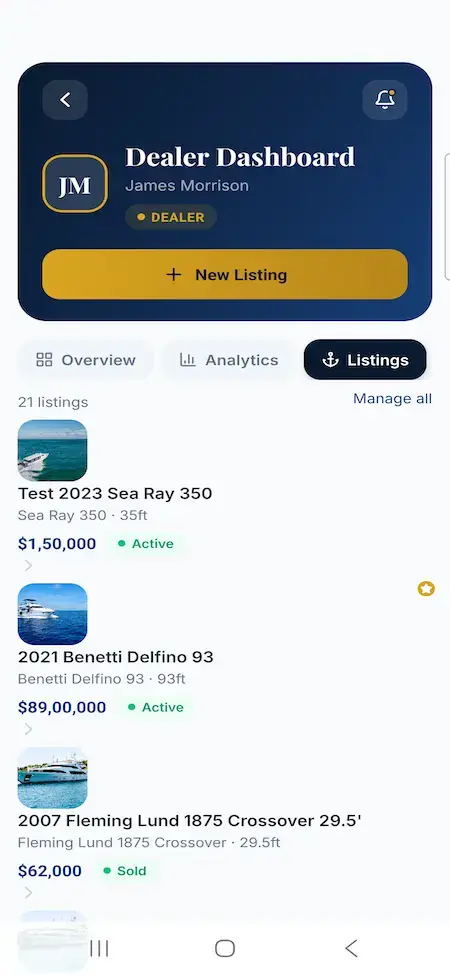
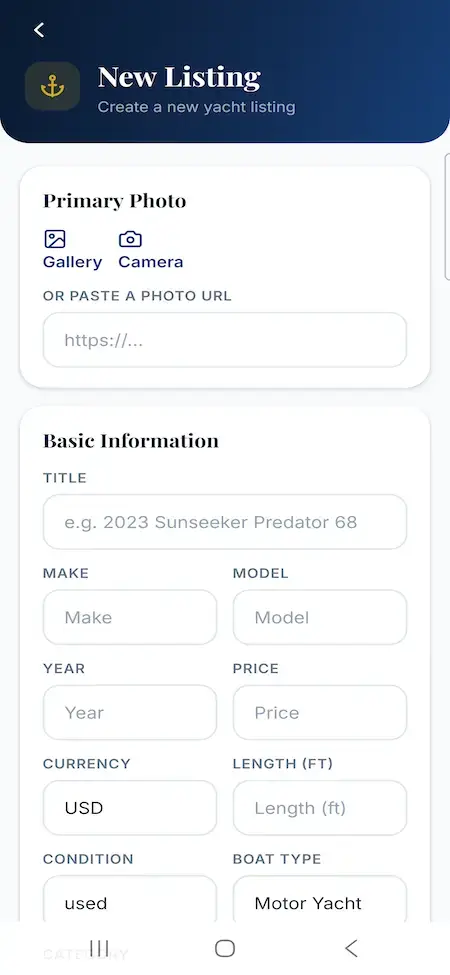
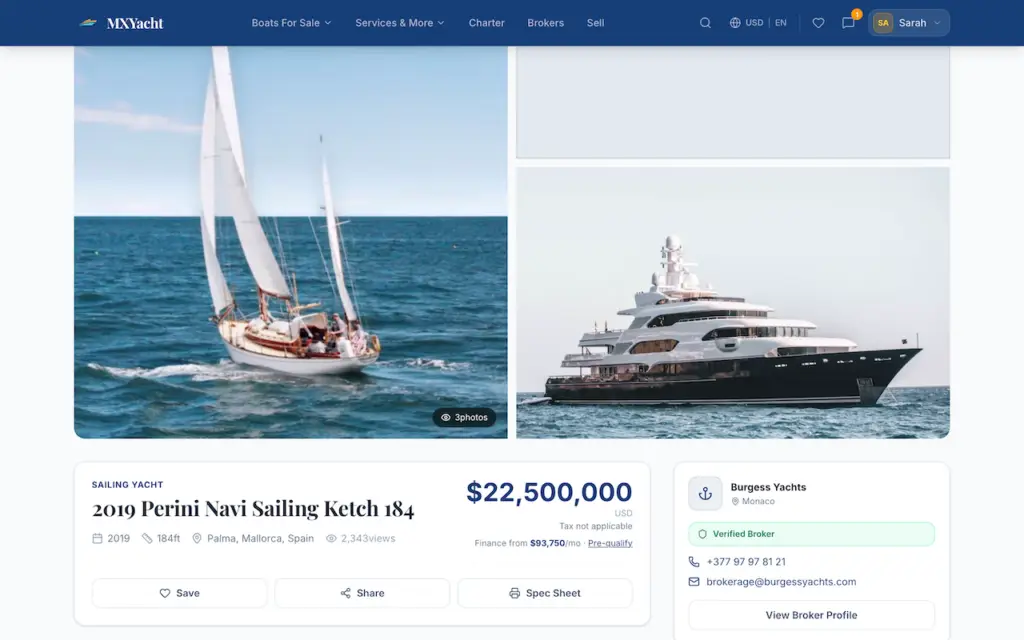
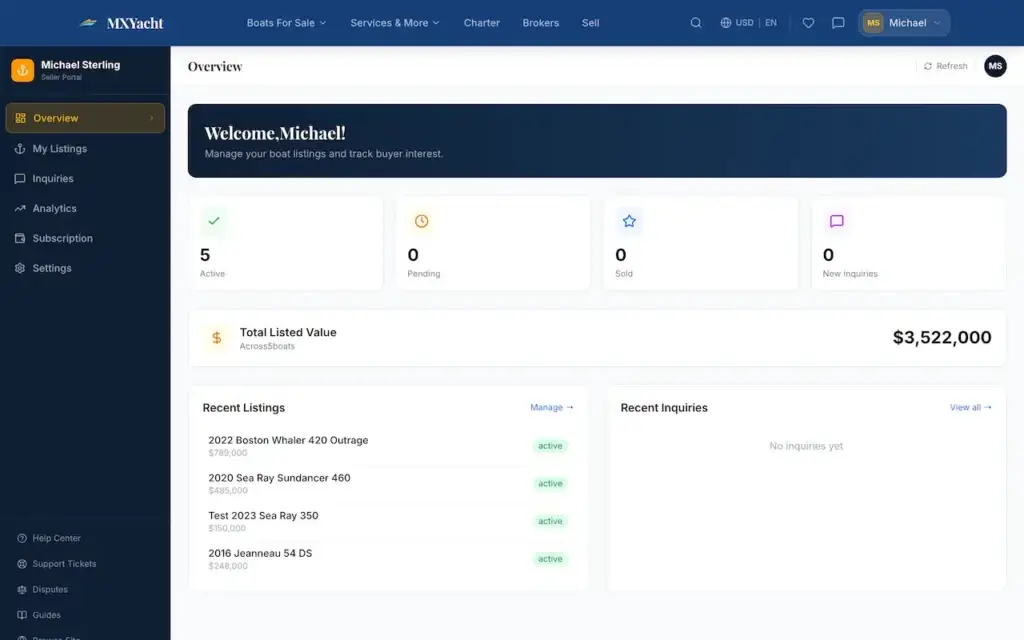
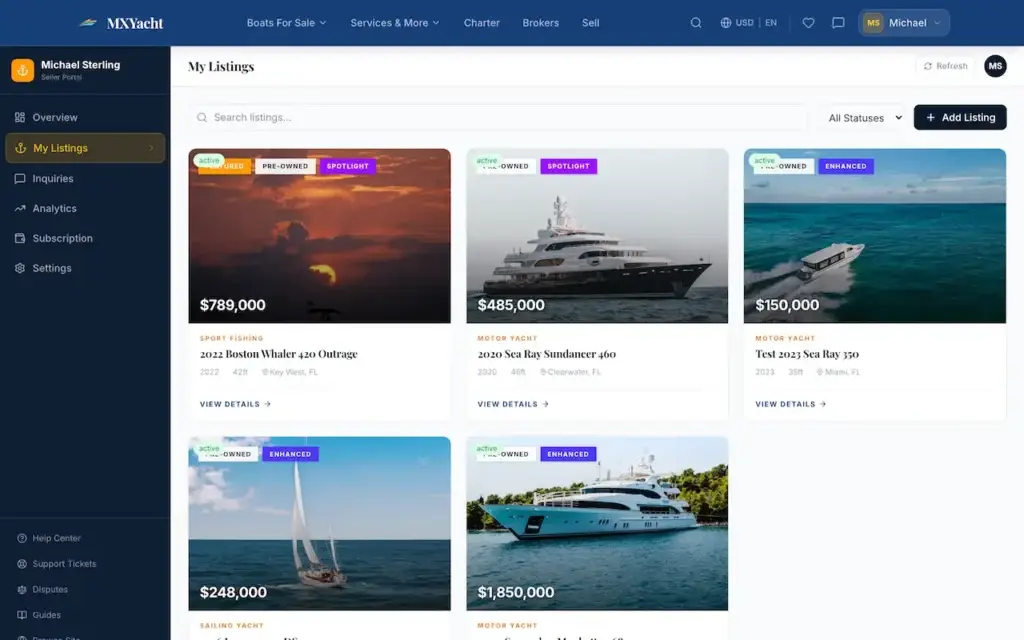
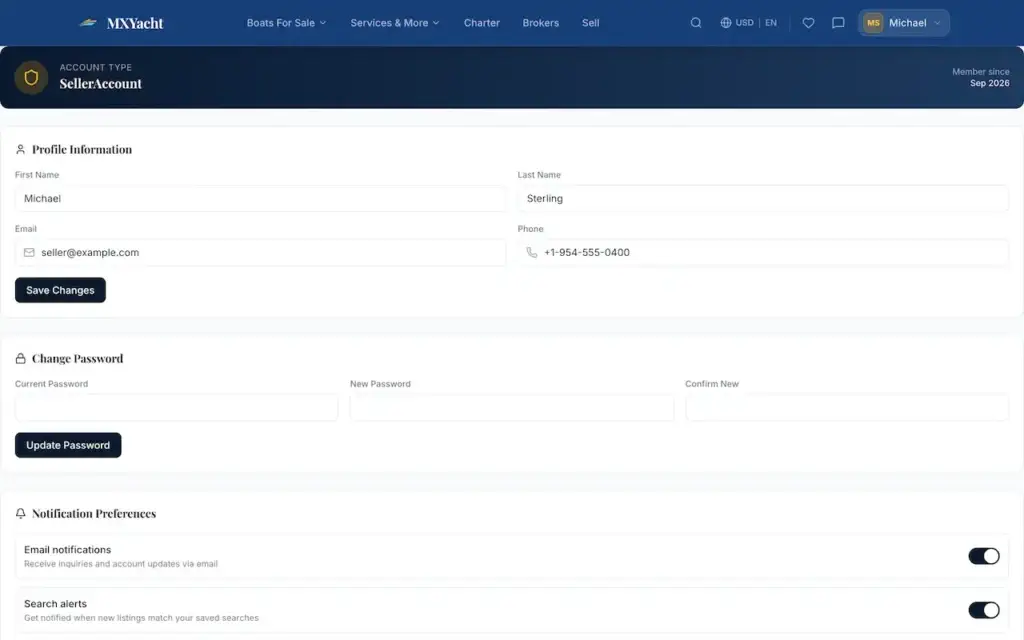
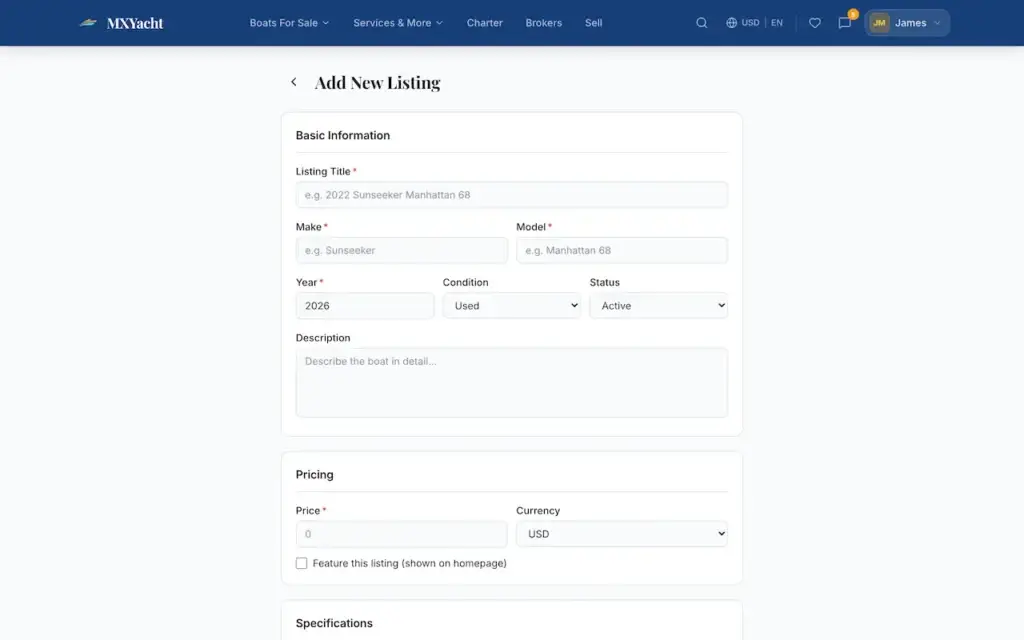
Owners describe the vessel, their contact details and the price they hope for in a structured sell form instead of a free-text message, and get a dashboard of their own. The listing that results carries ordered, captioned photos, a video tour link that plays inside the gallery, share links and a printable specification sheet.

03

The Broker

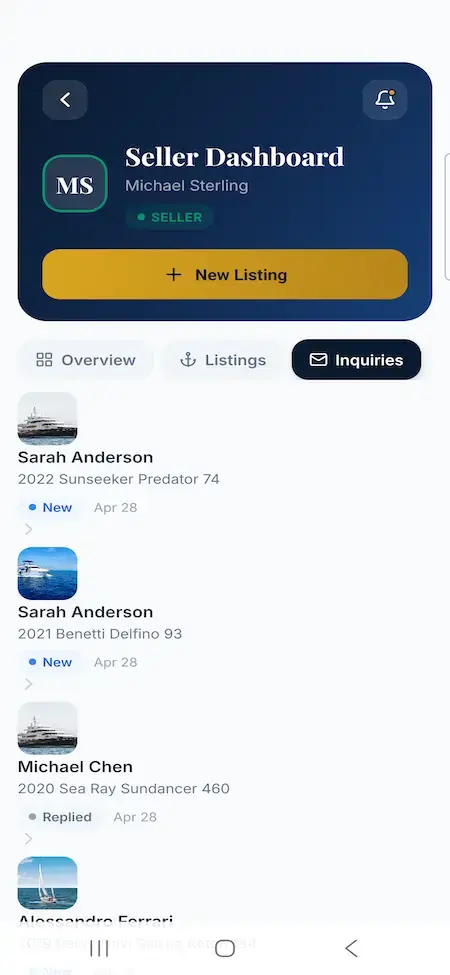
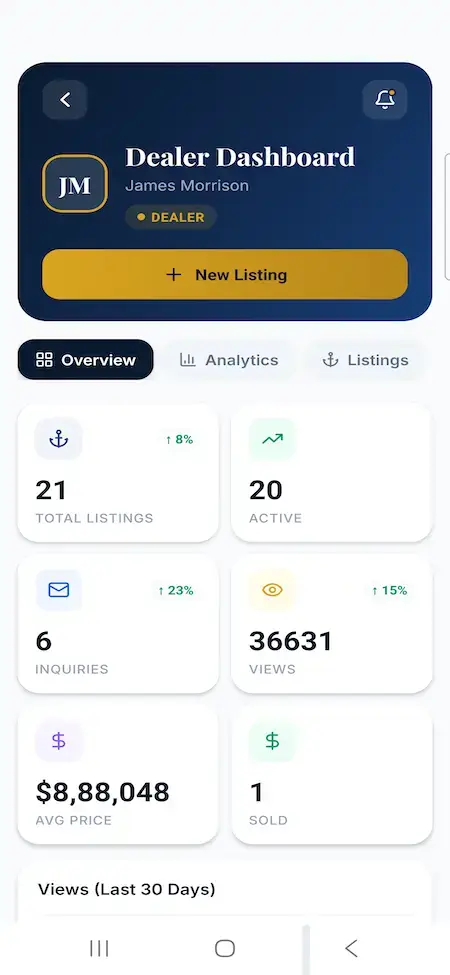
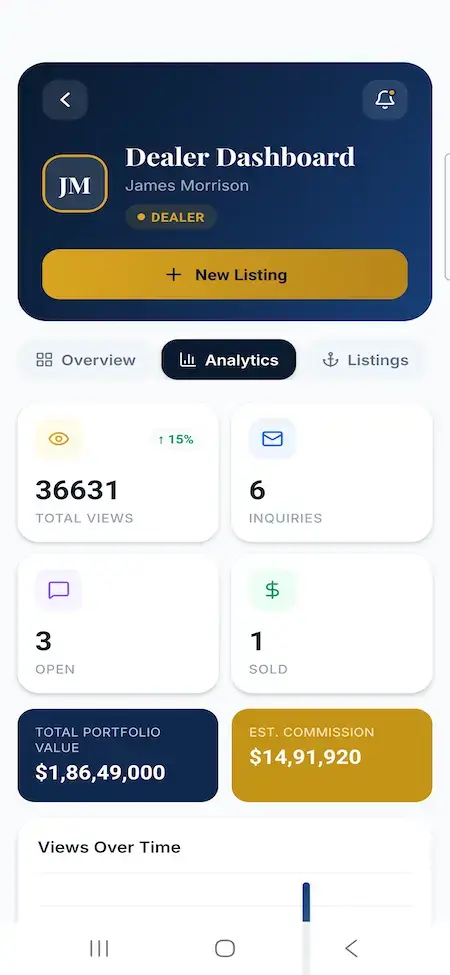
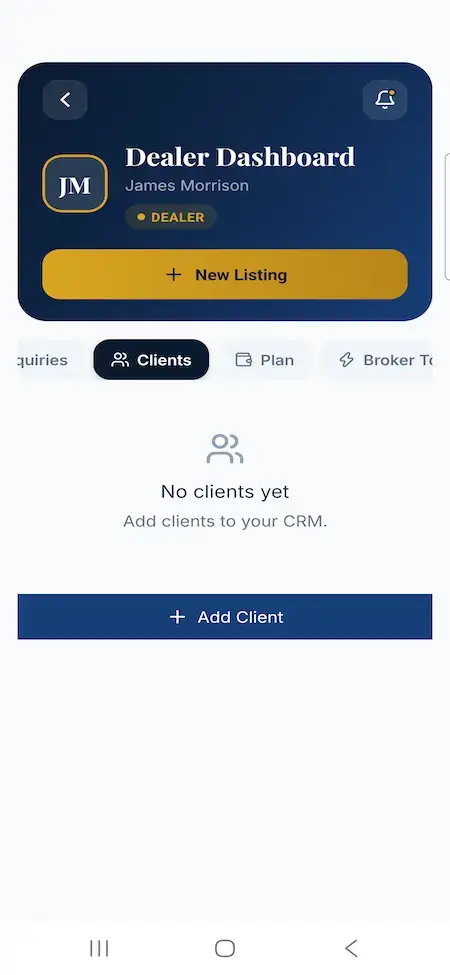
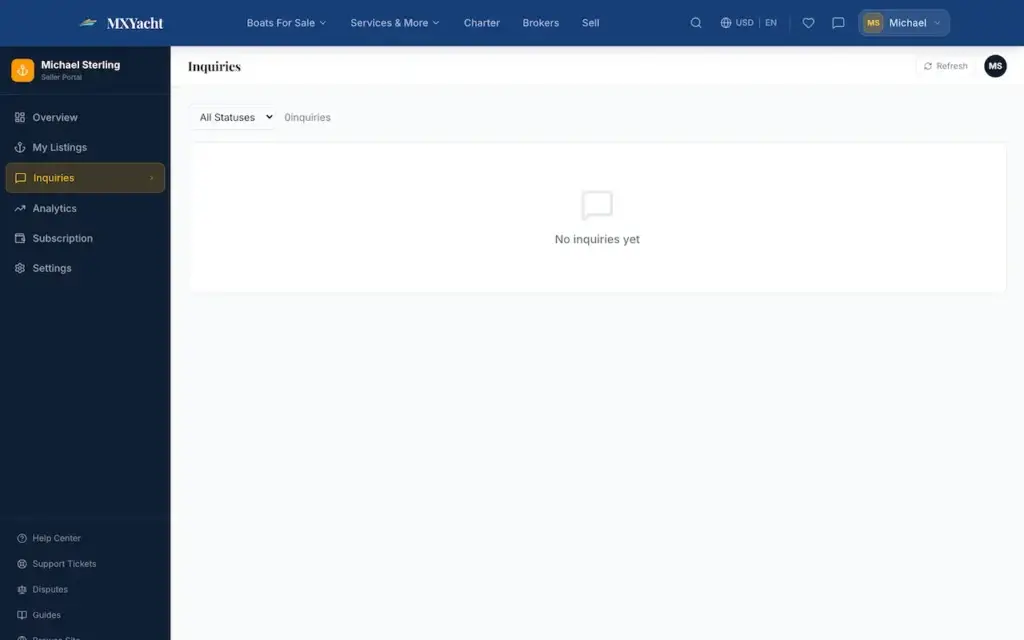
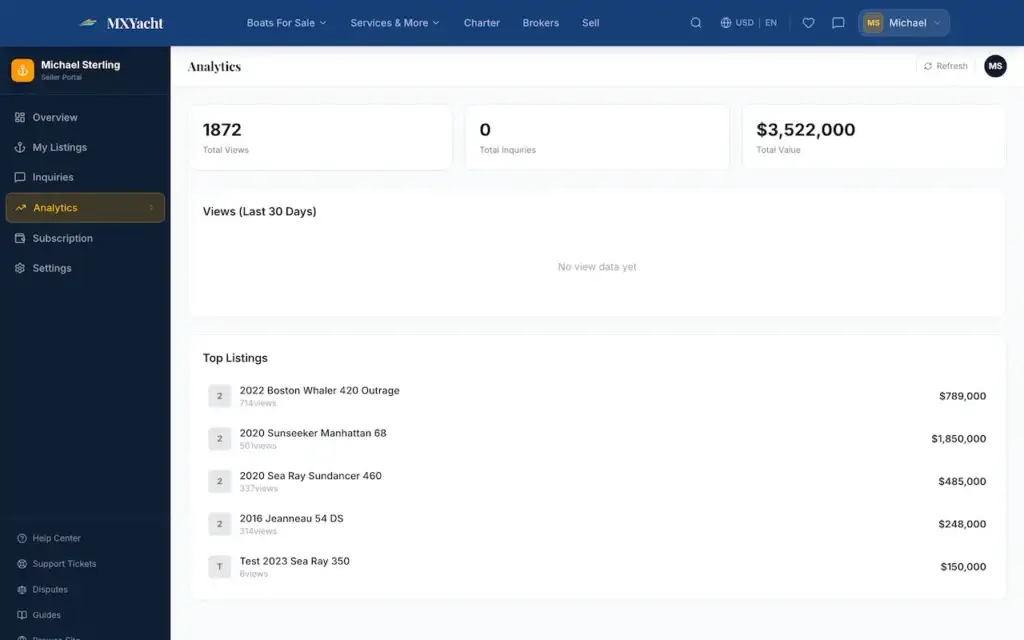
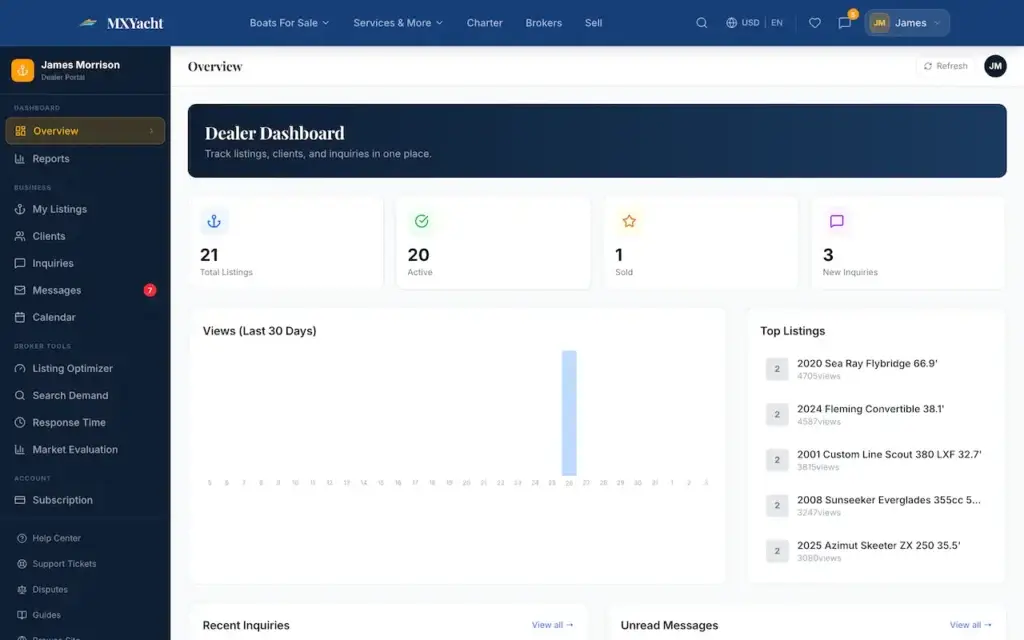
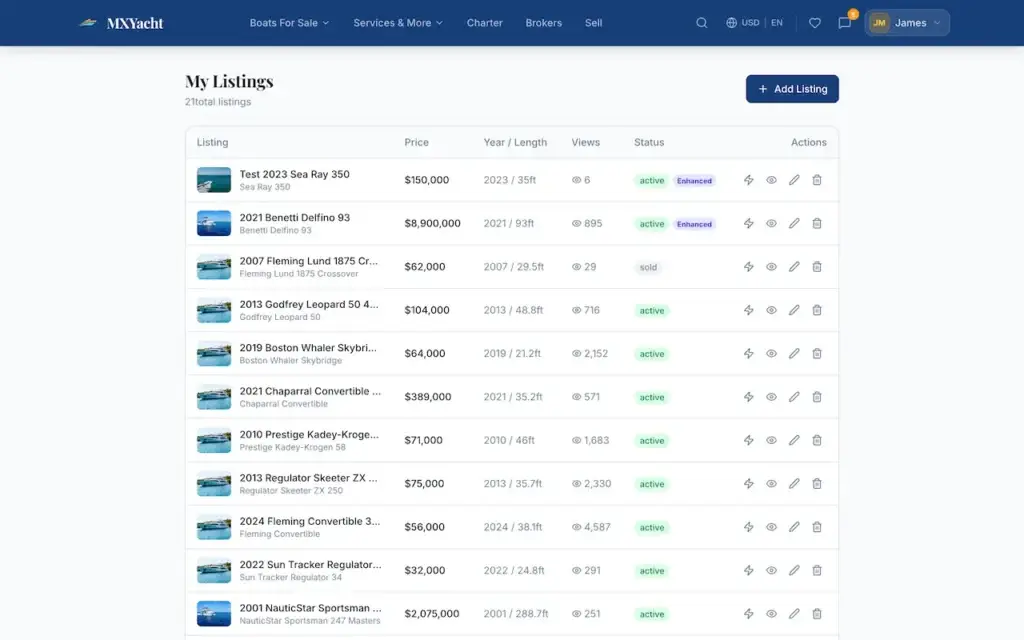
A listing manager with photo and upgrade control, and a kanban board where each enquiry carries a status, a stage and private notes. Replies stay in a thread scoped to that enquiry, and the time to a broker's first answer is stored and reported, so a slow desk shows up on the dashboard.

04

The Brokerage

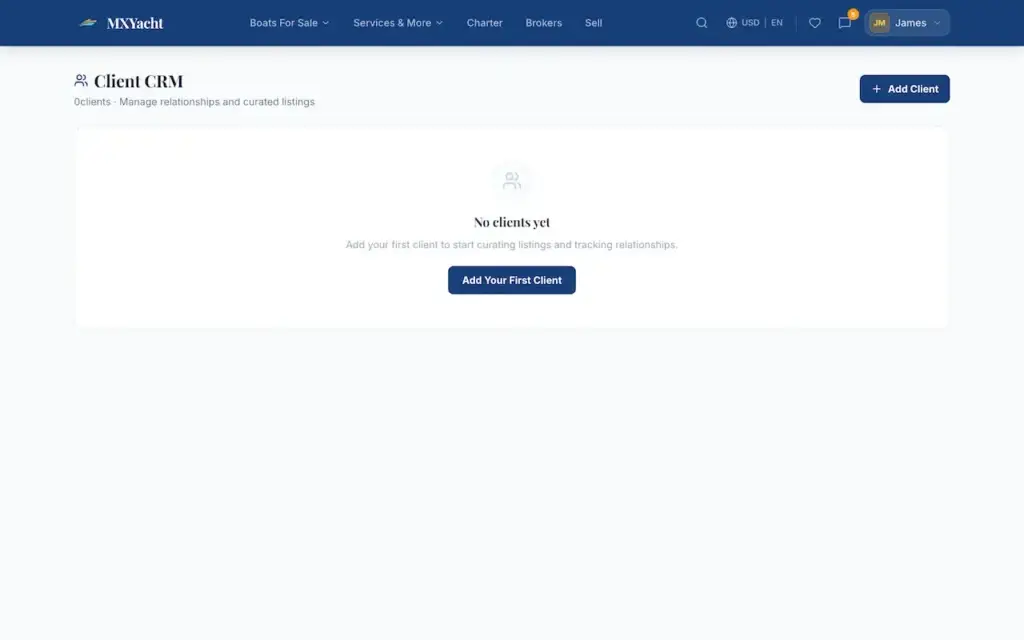
A directory and profile page with branding, bio, contacts, regions served, specializations and languages, plus ratings, review counts and a verified badge. Behind it sit client records holding email, phone, budget, status and private notes, with vessels shortlisted against each client. Middleware ties every broker route to a brokerage.

05

The Service Desks

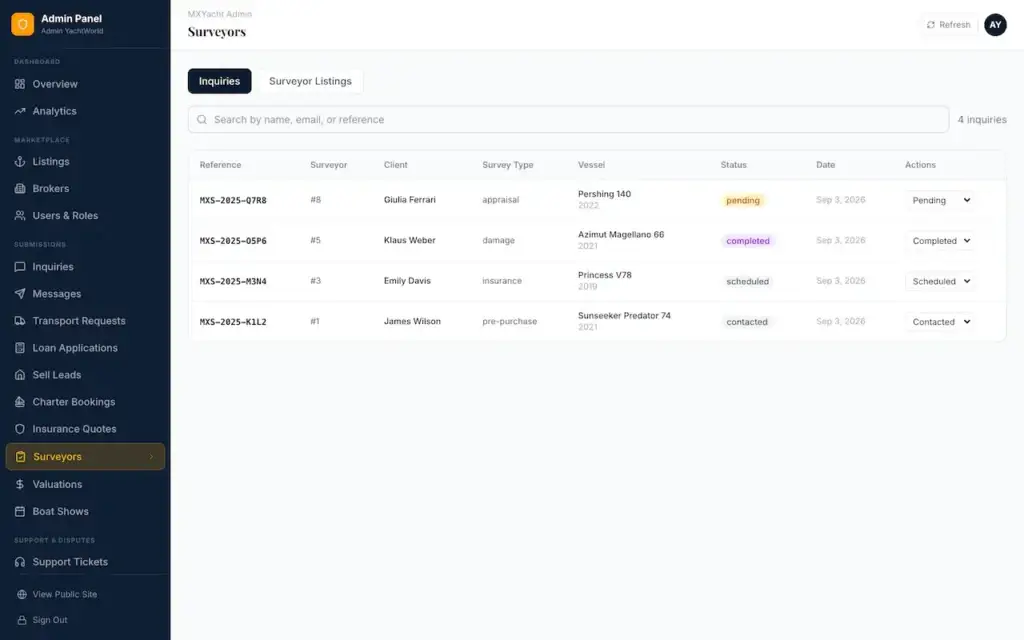
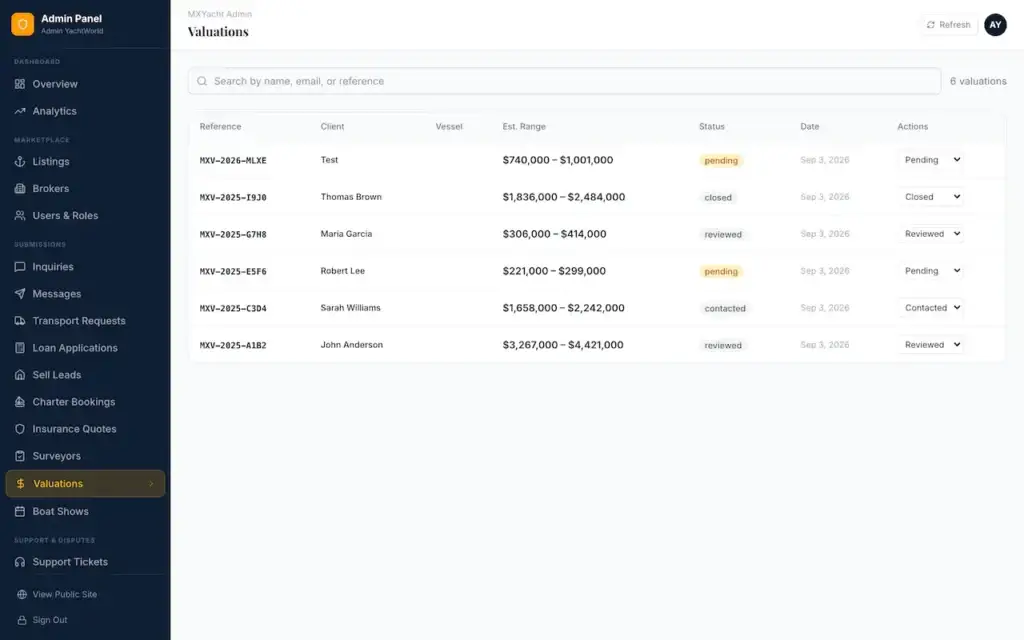
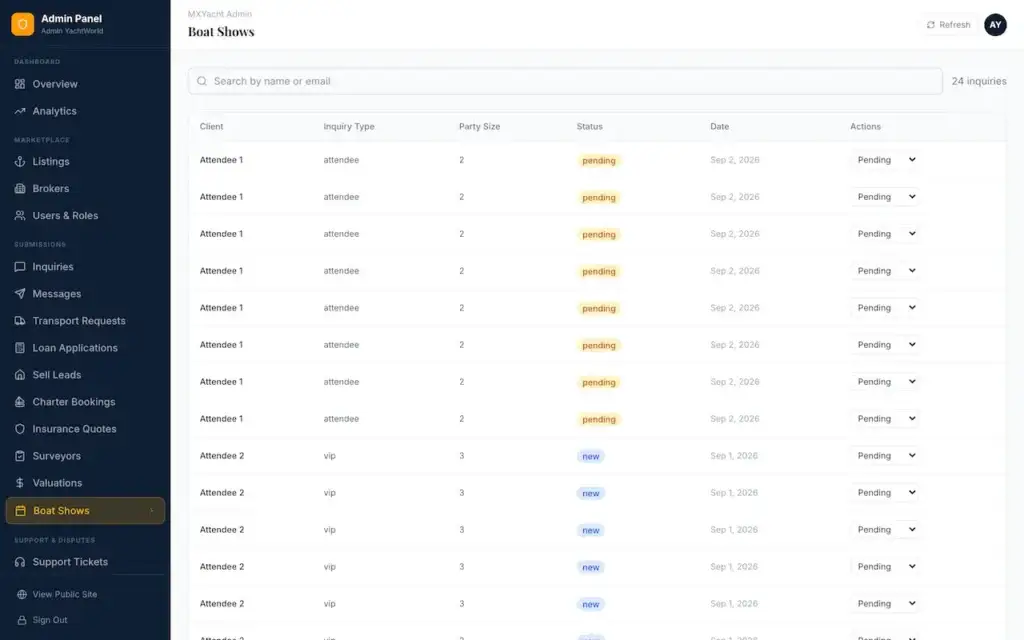
Eight adjacent modules, each with a public intake form and an operator desk: sell leads, charter, insurance, transport, finance, surveyors, valuations and boat shows. Requests arrive as structured records with a status workflow. The modules route enquiries and do nothing more, a boundary spelled out further down this page.

06

The Operator

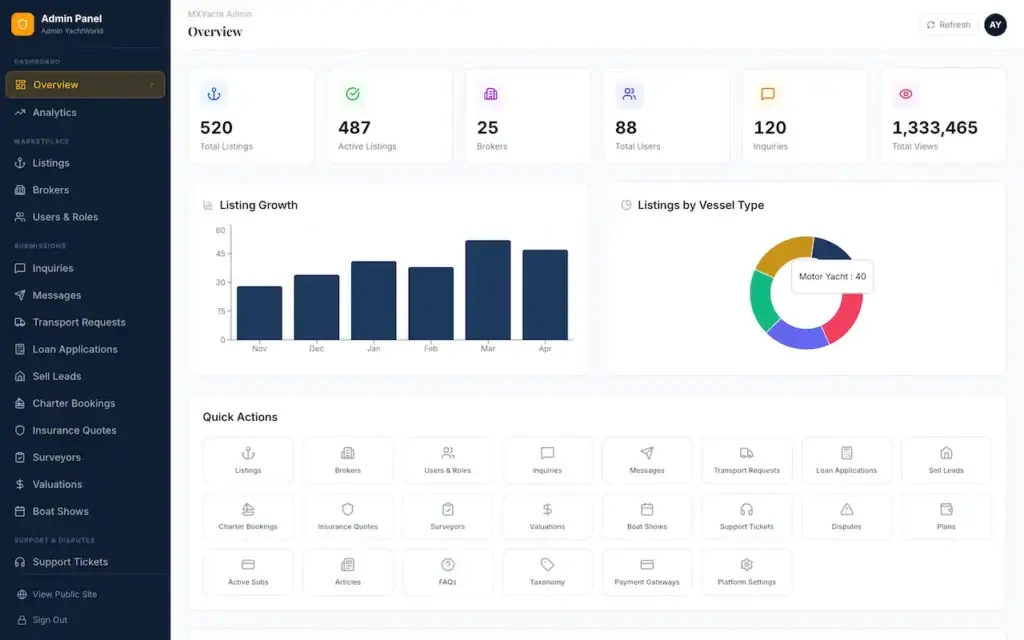
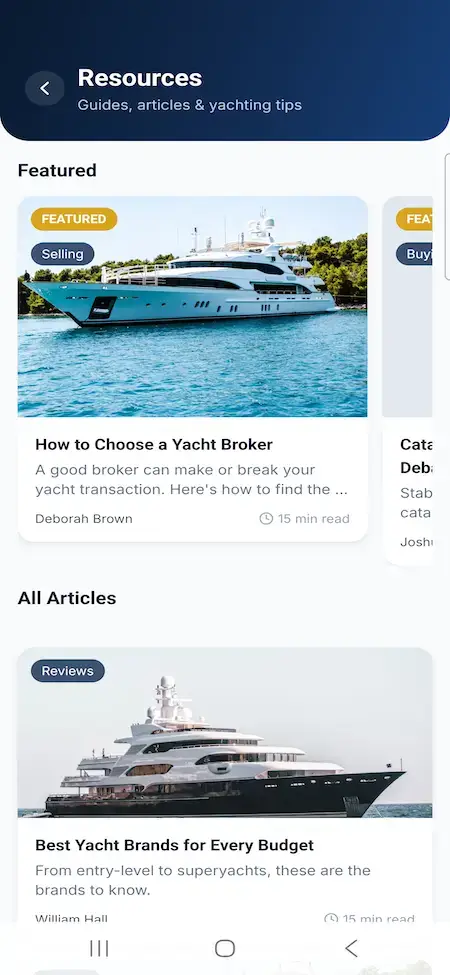
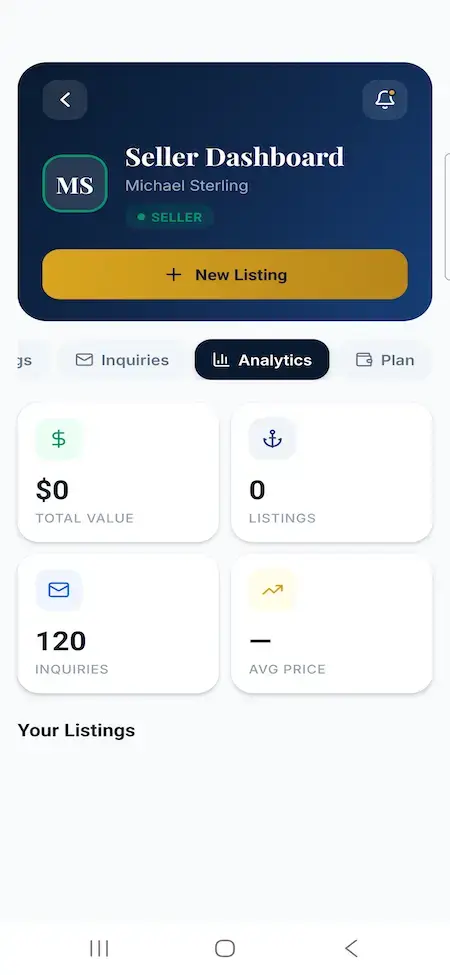
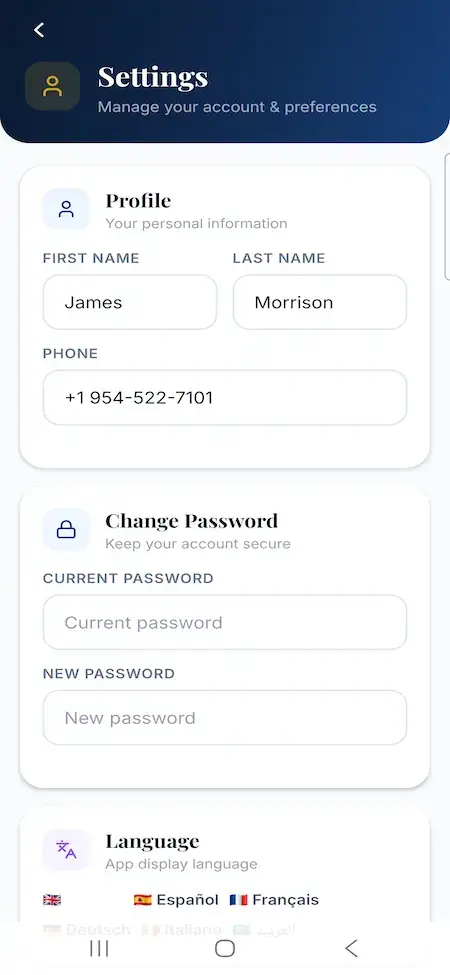
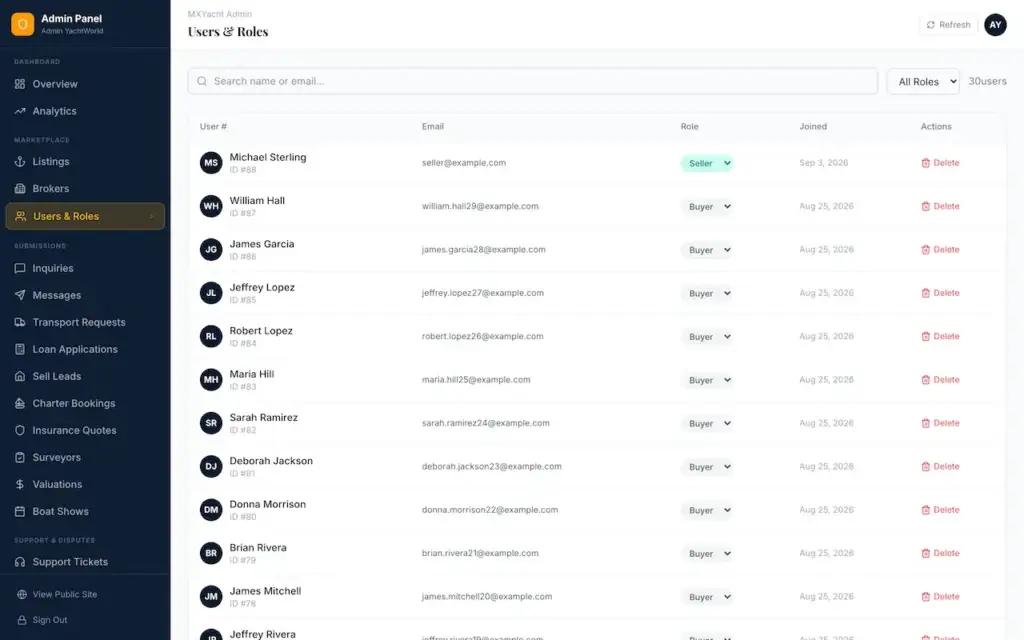
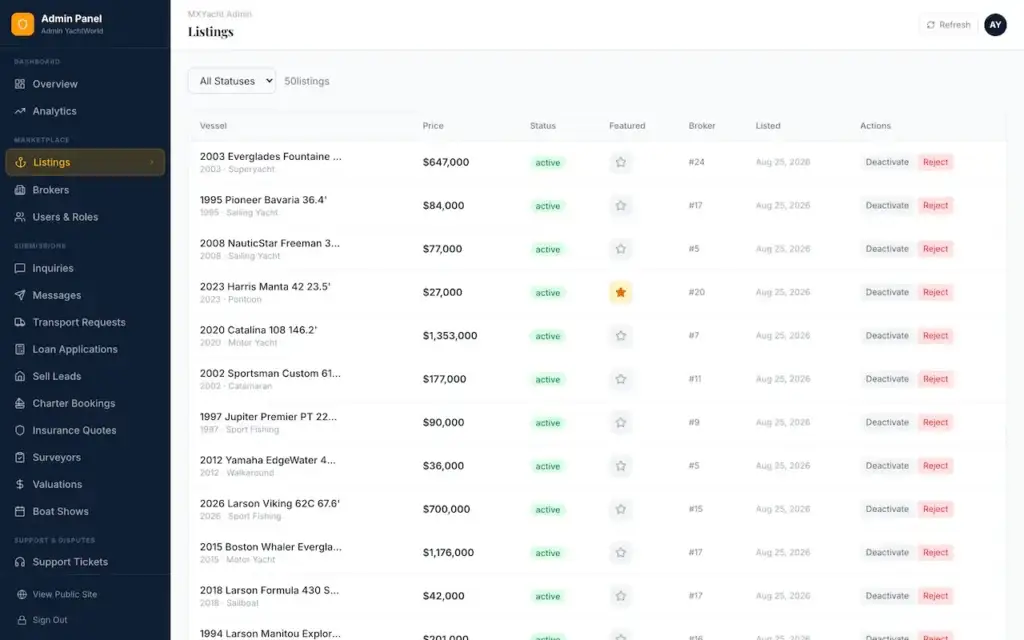
Users and brokerages, listing moderation, plans with an activate switch and subscriber counts, taxonomy, platform settings, articles and FAQs, tickets and disputes, and the eight desks, all in one console that a non-engineer can run day to day.

Five roles exist in the sign-in claims: guest, buyer, seller, broker and admin. The service desks are the console's second face rather than a sixth role, and each of the four signed-in roles has a working login in the live demo.

Compare

Rented Platform vs One-Time Script vs Miracuves Platform

Three ways to own a yacht marketplace, judged on the things that only matter once real stock and real brokers arrive.

What decides itRented or hosted platformOne-time scriptMiracuves platform
How you payA recurring fee, often per seat or per listingA single purchase, roughly $250 to $1,500 on the open market$4,299, one time, with no seat fee and no revenue share
The buyer dataKept on the provider's servers under its termsYours, on whatever server you set upYours, in a PostgreSQL database you host
If the payments stopThe site can go dark with the invoiceNothing changes, though you carry the upkeepNothing switches off, and you keep the source
The vessel recordWhatever fields the provider offersOften a title, a price and a photo arrayMore than forty vessel fields with their own filters
What happens to an enquiryFrequently an email to a shared inboxUsually the sameA lead with stage, notes, replies and a first-response timer
Broker client recordsVaries by planRarely presentBudgets, notes and shortlists per client
Mobile appDepends on the planCheaper tiers often ship web-view apps rather than native onesAn Expo React Native app on the same API
Source codeStays with the providerSome vendors withhold it from every published tierThe whole monorepo transfers

A rental bundles hosting and upkeep into its fee, which is a real convenience, so compare a one-time software cost against a recurring one and not against a lower total. Our Development Cost page sets the routes side by side.

End to End

One Lead, From First Search to Sold

A single buyer and a single vessel, followed through every screen they touch.

Step 1

Narrow the stock, save the search

The buyer sets length, draft, price and a map radius in a single query, then saves it under a name with a daily or weekly alert. Make, type and place counts come from separate facet endpoints, so changing one filter does not recount the whole result set.

Step 2

Shortlist and watch the price

Favorites and a compare view work the same on web and mobile. Each listing keeps a price history that only ever appends, and a price-drop badge and search toggle bring reductions forward, because a cut on a high-value boat is what pushes a long decision along.

Step 3

Send the enquiry, answer the questions

Capture is rate limited and records the subject, message, source and intent, plus contact details for guests. The buyer can then complete a LeadSmart questionnaire, and each brokerage sets its own intent threshold for what counts as a hot lead.

Step 4

Stage it and reply in the thread

The lead lands on the broker's board. Every message in its thread shows sender, role, name and time, and a live server-sent stream pushes new activity with a thirty-second heartbeat. Web Push joins in once you supply VAPID keys.

Step 5

Offer alternatives on the client file

Buyers seldom buy the boat they first clicked. The broker attaches other vessels to the client record with notes, measured against the budget stored on that same record.

Step 6

Under offer, then sold

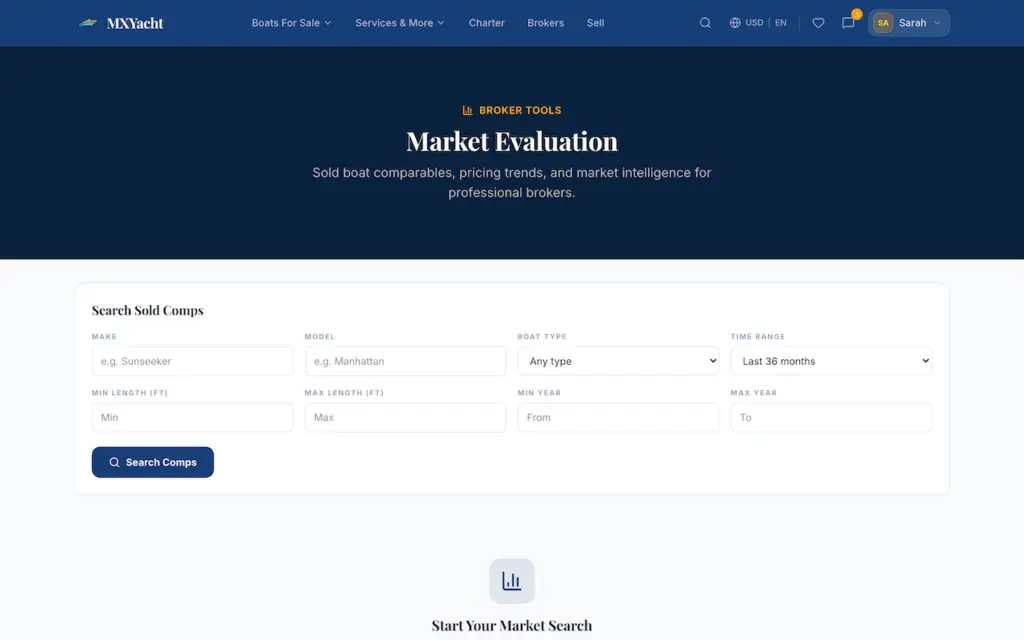
A listing moves from active to under offer to sold, and a sold price and date are recorded. Those sales become the comparables behind market evaluation and the public market reports.

Step 7

The requests that follow the sale

A sale brings insurance, transport, finance, survey and valuation demand with it. Each of those requests goes through its own form, reference code where built, and desk, so the demand is recorded even though the work behind it belongs to your partners.

Web and mobile talk to one API, so an enquiry typed on a phone shows up on the broker board with no second integration.

Justified

Why Each Module Is in the Base Build

Each row answers a problem a brokerage runs into within its first season, not a checklist item borrowed from a rival.

ModuleThe reason it ships
First-response measureWith one boat on many portals, the broker who replies first and knowledgeably tends to win the conversation. Reporting it per broker turns a habit into a number.
LeadSmart questionnaireFew leads arrive and each is valuable, so they cannot all be handled alike. An adjustable intent threshold shows which buyer to call first.
Append-only price historyBuyers weigh a purchase for months and watch the price throughout. A trail that cannot be edited is a nudge to buy and the evidence for a later valuation.
Client shortlistsBrokers sell alternatives as often as the clicked listing. Without a shortlist on the client file, that substitution happens in a chat app and leaves no trace.
Map-radius searchA vessel's location drives viewing costs and delivery. The radius has to combine with technical ranges in one query or the filter is decoration.
Brokerage middlewareA group with several offices needs each lead routed to the right desk from day one, enforced by the server and not just hidden in the interface.
Eight service desksInsurance, transport, finance and survey requests follow every sale. Recorded, they become an extra revenue line; unrecorded, they go to whoever picks up the phone.
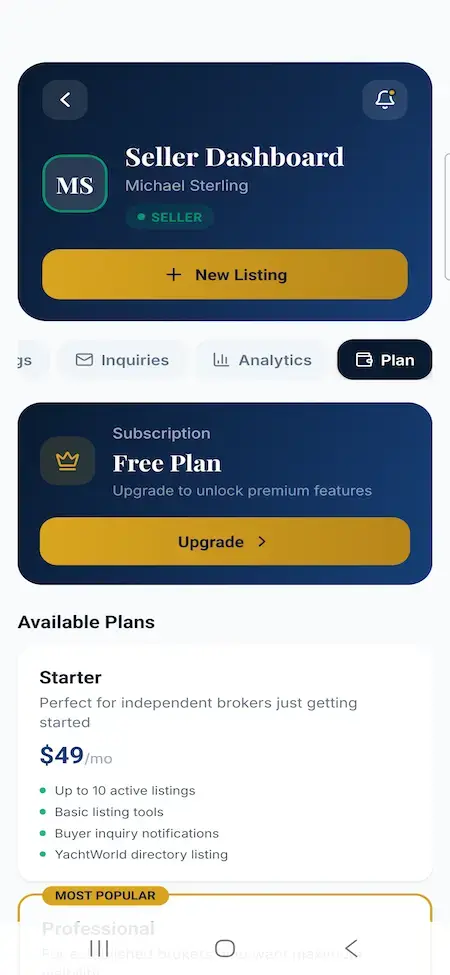
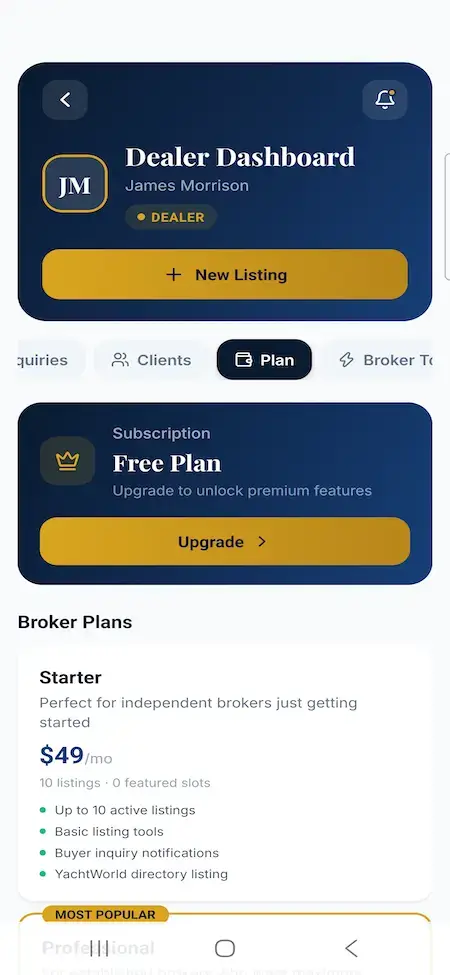
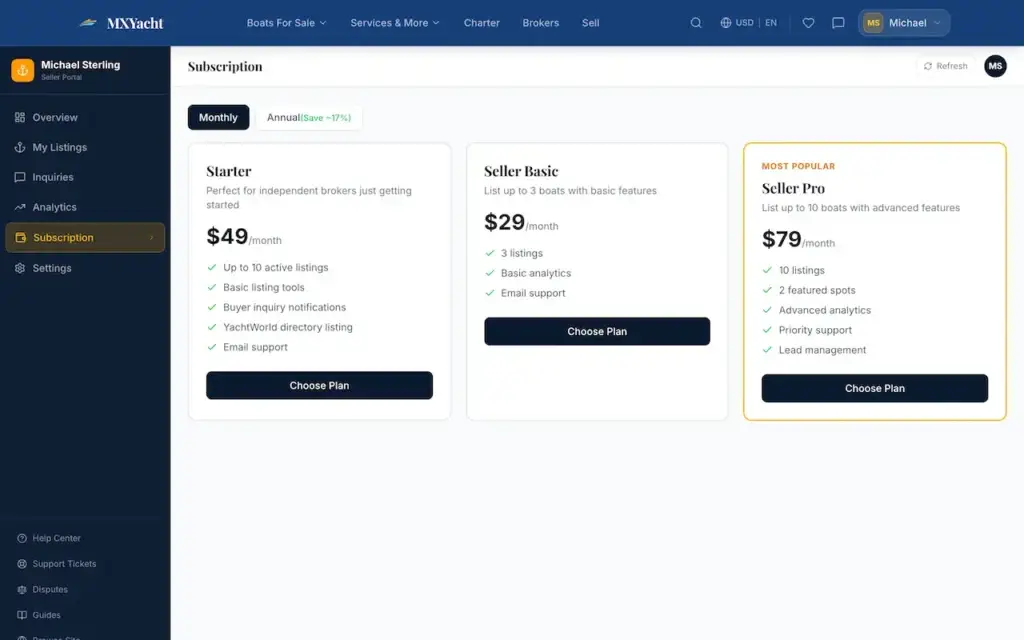
Plan and upgrade limitsListing and featured-slot limits stored with each plan give a subscription tier a boundary, so a price means something to the broker who buys it.

Each of these can be switched on, switched off or renamed for your deployment through plans, settings and taxonomy, which is what lets one build serve a single-brand portal or a multi-broker marketplace.

Stack

The Technology Under the Features

What the code is written in, and what that means for the engineers who take it over.

Server and databaseAn Express 5 API exposing 203 handlers across 35 route modules, on PostgreSQL through Drizzle. Forty tables live in thirty schema modules, flexible shapes use JSONB, and queries are parameterized throughout.
Web appReact, Vite and TypeScript over 46 routes covering public, account, marketplace, service and dashboard areas. Tailwind carries a shared component library, and loading skeletons, empty states and error boundaries are in place. Public listing pages add canonical tags, social metadata and JSON-LD.
One contract for the clientsA single OpenAPI file feeds the web and mobile clients, with Orval generating query hooks and Zod schemas from it. The running API stays the authority, and checking the spec is a job for your CI.
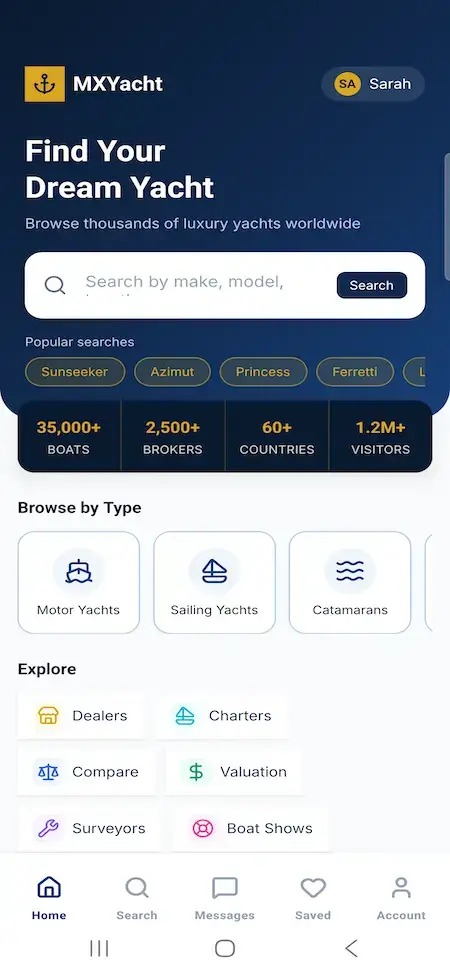
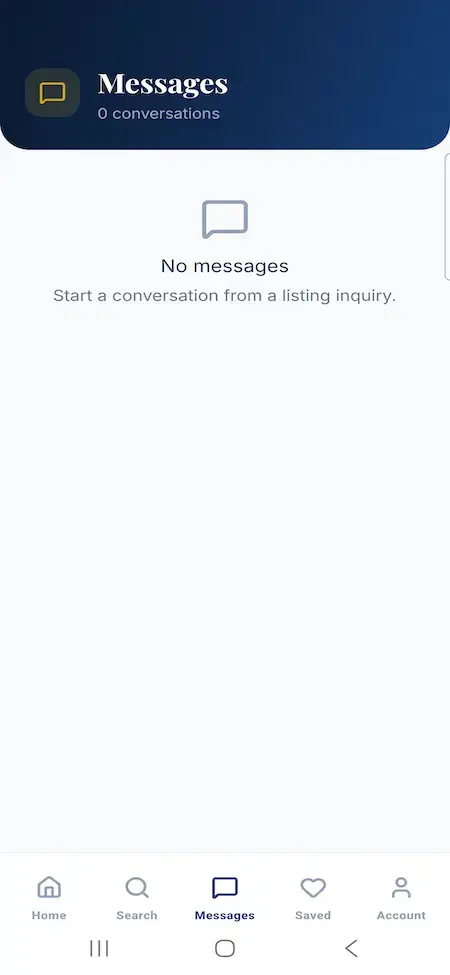
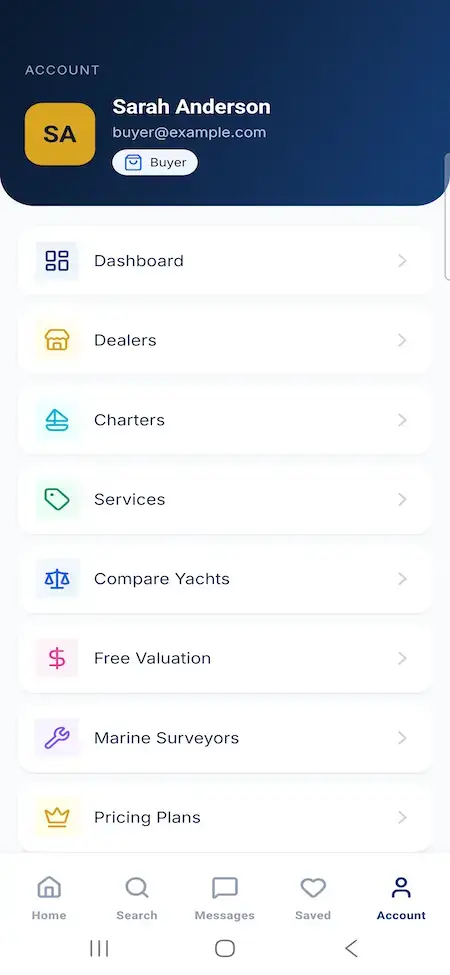
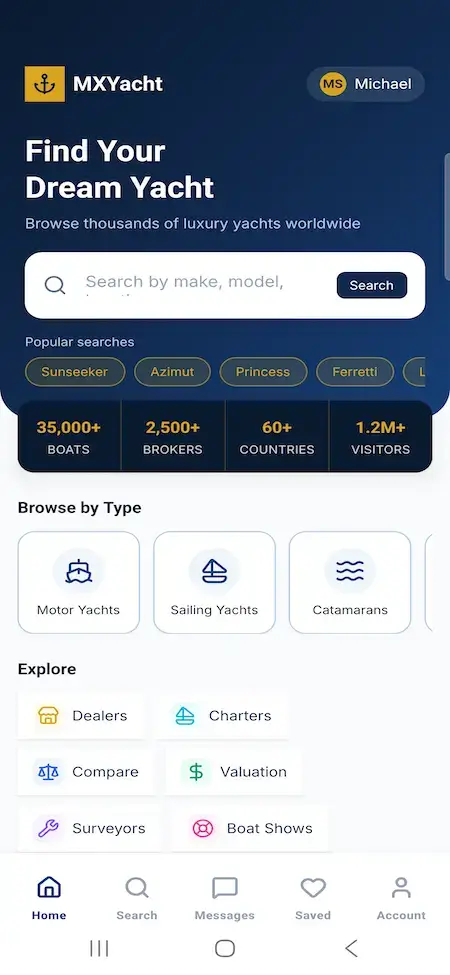
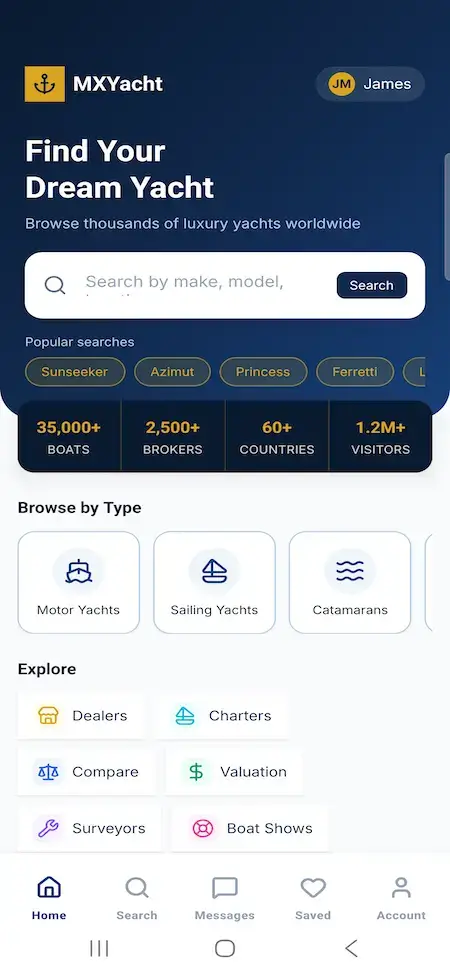
Mobile appExpo and React Native with tabs for Home, Search, Favorites, Messages and Account, plus screens for listings, brokers, charter, boat shows, surveyors and valuations. Sessions sit in Expo SecureStore, and EAS profiles cover development, preview and production.
Access and safeguardsBcrypt passwords, seven-day JWT sessions, TOTP two-factor with its own sign-in challenge, and a global limit of 100 requests per 15 minutes per IP with tighter caps on submission routes. Logs redact query strings, uploads are checked for size and type, and a GDPR export leaves secrets out.
Deployment kitA multi-stage Docker image on Node 24 with pnpm, Compose running the app beside Nginx, and a PM2 setup for teams that would rather skip containers. A health endpoint is included for monitoring.

Every integration point, whether payments, SMTP, VAPID, exchange rates or object storage, is a documented seam and not a wired-in vendor, so your team can swap one without touching the rest.

Honest Readiness

What Is Not Included in the Base Package

Set out before a purchase, so nothing turns up on the invoice.

01

Live payment processing

Plan selection, billing-cycle records, checkout and cancellation are built, but the invoice history is a generated six-row mock. Connecting a provider such as Stripe or Adyen is a standard configuration step that we quote with your deployment. It is not live in the base build.

02

Some console controls are for show

Only the platform settings are confirmed to save and reload. A few admin controls are decorative, and the six-month subscription trend is a modelled monthly-equivalent series rather than settled cash. The security handbook lists each one.

03

Live updates run on one node

Server-sent events are process-local, and rate limiting is in-process at launch. A second instance needs shared pub/sub and a shared rate-limit store first, and the written scale path says so.

04

The accounts behind it are yours

Your payment provider, SMTP, Web Push and exchange-rate keys, and your Apple and Google developer identities, are held in your name. Object storage and a CDN for listing media are the documented next step and not a shipped module.

05

The service desks route enquiries only

The eight modules capture a request and queue it. They do not bind cover, approve credit, guarantee transport or certify surveys, and the platform never claims they do. No vessels, brokers or service partners come with it, and broker licensing, listing accuracy and title checks remain yours.

06

What exists is real

Over forty vessel fields, technical and map search, saved-search alerts, the lead pipeline, client records, LeadSmart, plans and upgrades, eight service desks, six currencies, five languages, two-factor sign-in and the Docker, Nginx, PM2 and EAS files, all open to try in the demo.

The developer and security handbook maps each control to the file that implements it and marks it as built or as pre-launch hardening. The named release gates are listed on the Provider page, and no certification is claimed anywhere.

Provider

Weighing a rental, a script, an agency and us?

The Provider page sets the four routes side by side, lists the nine questions worth asking any seller, walks through the six-step delivery, and shows a modelled marine services deployment.

Compare the routes →
FAQ

Frequently Asked Questions

Is this mainly a charter booking product?
No. It is a brokerage marketplace for buying and selling vessels, built around a lead pipeline and broker client records. Charter is one of the eight service modules, with its own catalogue and an enquiry form that captures dates and party size. If charter booking or peer-to-peer boat rental is your core business, a platform made for that is the closer fit, and we will say so on the call.
How does search cope with technical yacht criteria?
Ranges cover price, year, length, beam, draft and engine hours. Filters cover type, category, condition, make, fuel and hull material, alongside country, state, place and a map radius, with toggles for price drops, under offer and video. Separate facet endpoints feed the filter panel, so refining a search avoids a full recount.
Can brokers run their own stock and leads?
Yes. Brokers manage listings with photo and upgrade control, work a kanban board of enquiries with stages and private notes, and reply in threads scoped to each one. They also keep client records with budgets and shortlists, review LeadSmart answers, use the listing optimizer and read a response-time report.
What carries our brand, and what do we own?
Your name, logo, colors and domain, the mobile app's name and icon under your own developer accounts, email wording, plan names, taxonomy labels and the service modules you choose to show. You own the web app, the mobile app, the API, the database schema, the OpenAPI contract and the deployment files, with no runtime licence, seat fee or revenue share.
Does it work on mobile?
Yes. The Expo React Native app calls the same API as the web app and covers listings, brokers, charter, boat shows, surveyors, valuations, compare and a dashboard for each role. EAS build profiles are included. The query cache helps reads while offline but does not sync offline edits, and store publishing needs your own developer accounts and signing.
What do the eight marine service modules do?
They cover sell leads, charter, insurance, transport, finance, surveyors, valuations and boat shows. Each has a public intake form, a reference code where built, a status workflow and a desk in the console. They route enquiries. They do not bind cover, approve credit, guarantee transport or certify surveys.

See it run before you decide

Every role has a working login and needs no setup. Search as a buyer, send an enquiry, then open the broker desk and the operator console to watch the same lead from two other seats.

Explore

Explore the White Label Yacht Marketplace

A brokerage platform, not a boat grid

Listings deep enough for the asset, search by range and radius, leads that keep their history as they change hands, broker client files and eight service desks, with the source on infrastructure you control.

Talk to Us →
Miracuves · White Label Yacht Marketplace Feature set, stack and stated limits cross-verified against the hub, 2026-09-29
Disclaimer

Miracuves is an independent software development company. We are not affiliated with, connected to, sponsored by, or endorsed by YachtWorld, or any other yacht, boat or marine listing service.

About this category

“White label yacht marketplace” describes a category of product, not any one company. Brand names appear elsewhere on this site only to describe the kind of platform being built and the terms buyers search for.

Who built this

The entire design and codebase is built by our own team. The product contains no code, design, graphics, or content originating from any third-party marine marketplace website or application.

Listings, brokerage and regulated services are yours

No vessels, listings, brokers or service partners are supplied with the platform. Broker licensing, listing accuracy and title checks, and the regulated work behind the insurance, finance, transport and survey modules belong to you and your partners; the modules only route enquiries. All third-party names and marks are the property of their respective owners.